
Does Starlink work in a power outage? Yes, with one catch
The satellites don't care about your local blackout, but your dish does. The real wattage numbers and the setup that keeps you online.


A question has been doing the rounds on social media this week: if the grid goes down, does Starlink keep working?
The short answer is yes. The satellites don't care what your local power company is doing.
The catch is that your Starlink dish and router need power, and in a blackout that power has to come from you.
As someone who has to plan for hurricane season every year here in Florida, this is a topic I take seriously. So here are the real numbers on what it takes to keep Starlink online if and when everything else goes dark.
If you purchase through links in this article, we may earn a small affiliate commission. For exclusive content, our newsletter, and more perks, become a member, it's free! -The Trail & Kale team ✌🏼
Why Starlink keeps working when cable and cell service don't
Starlink's network is thousands of satellites talking to ground stations spread across the country. A blackout in your county doesn't touch any of that infrastructure, so the service overhead stays fully operational.
Your regular internet is a different story, however.
Cable and fiber depend on powered equipment at street level between your house and the provider, so even if your router is on a battery backup, the neighborhood equipment usually goes down with the grid.
Cell towers typically carry a few hours of battery backup at best, which is why phones tend to work early in an outage and fade as the hours pass.
That's what makes satellite internet interesting for preparedness. The only link in the chain you have to keep alive is the dish in your yard. We saw this play out during recent hurricane seasons, when Starlink kits were deployed for relief work in areas where cell service was down for days.
The catch: the power the Starlink actually draws
So the whole question comes down to wattage, and the numbers vary a lot by dish. The figures below come from Outage Math's Starlink breakdown, measured at the wall with the router included:
- Standard dish: 75 to 100 watts on average, and about 20 watts even when idle
- Starlink Mini: 25 to 40 watts on average, with a 15 watt idle draw
- On a 1,000 Wh portable power station, that works out to roughly 9.4 hours for the Standard dish and about 26 hours for the Mini (assuming typical 85% inverter efficiency)
- Double the battery to 2,000 Wh and the Mini runs around 2.2 days nonstop
In other words: the Starlink Mini uses about a third of the power of the Standard dish, which makes it the obvious choice for a blackout kit.

One more trick in the Mini's favor: it runs on DC.
It accepts 12 to 48 volts directly, or USB-C Power Delivery rated at 100 watts (65 watt ports won't cut it). Skipping the inverter means less wasted power, so real-world DC runtimes come in a little better than the figures above.
If it's winter where you live, turn the snow melt feature off unless you actually need it. The pre-heat setting increases power use, and in a blackout every watt counts.
The blackout internet setup I'd run
Here's the realistic version, built from gear that earns its keep outside of emergencies too:
- A Starlink Mini. It launched at $599, and right now Starlink has it on sale for $149 direct (its usual price is $249), which moves it from novelty to no-brainer for a go-kit. The Roam 100GB plan is $55 a month, and between storm seasons you can drop it into Standby mode for $10 a month instead of cancelling. Standby keeps the line alive with unlimited slow data (around 0.5 Mbps): enough to send messages, check email, and make WiFi calls, and enough to bump yourself back up to a full-speed plan in the app the moment a storm is on the way.
- A 1,000 Wh class portable power station. The sweet spot of price, weight, and runtime: a day-plus of Mini time, or phone charging for the whole family for days.
- A portable solar panel. This is what turns "26 hours" into "indefinitely". Recharge the power station by day, run the dish in the evening check-in windows.
And the real runtime secret is rationing. You don't need the dish on all day in an emergency: power it up for a morning and evening session to message family, check forecasts, and download what you need, then shut it down. Used that way, a single 1,000 Wh station can keep you connected for the better part of a week.
Where this fits in a wider plan
Satellite internet is one layer, not the whole plan.
Your phone may already have a basic fallback, since recent iPhones and some Android phones can send satellite texts with no dish at all. That covers "we're OK" messages, but not much more.
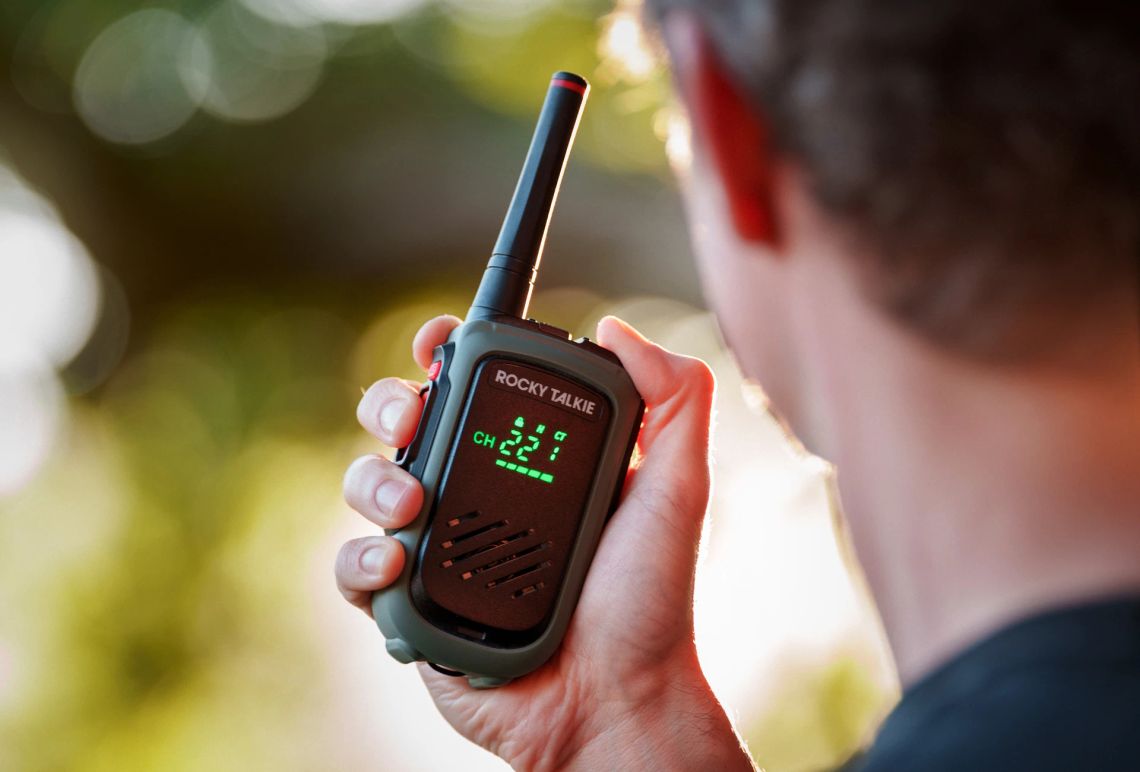
For talking to family nearby without any infrastructure, handheld radios like the Rocky Talkie 5 Watt Radio need no towers and run for days per charge.
Rocky Talkie 5 Watt Radio Review
This two-way radio redefines rugged, reliable communication with extended battery life, making it our top choice for outdoor adventurers.
 Alastair Dixon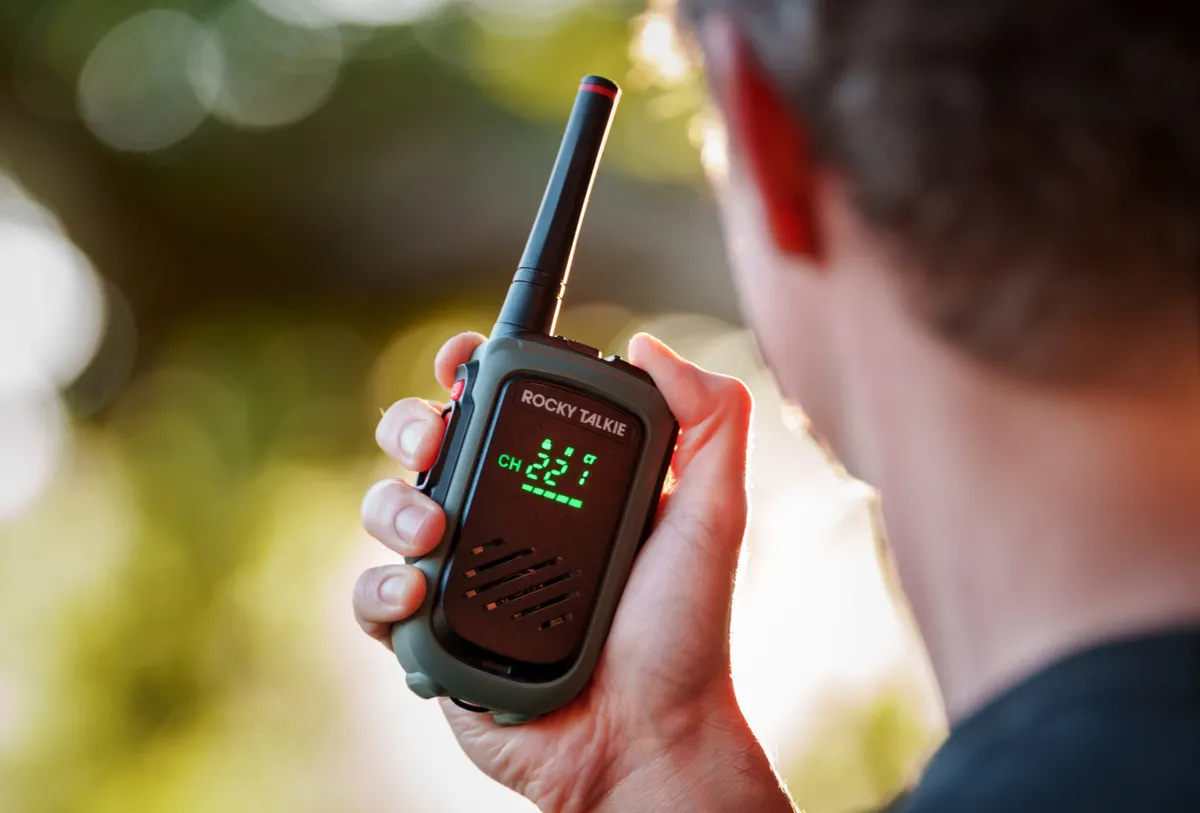
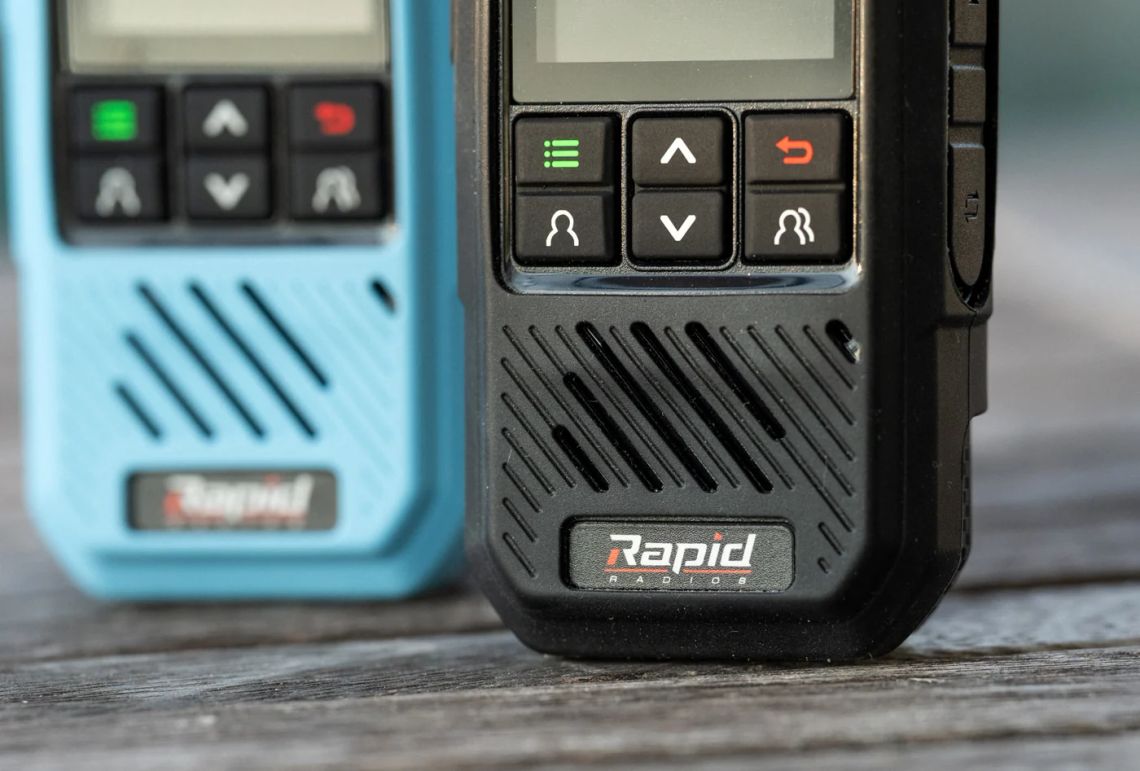
Just don't confuse them with LTE units, which, as I found in my Rapid Radios review, die with the cell network.
And for the full tiered approach to water, food, power, and comms, my guide to how much emergency preparedness you actually need breaks down what governments really recommend, and what's worth doing about it.
90 days of supplies? What governments actually recommend
Where the 90-day number really comes from, what governments actually tell households, and a tiered plan built from gear you already own.
 Alastair Dixon
FAQ
Do the Starlink satellites go down in a blackout?
No. The satellite network and its ground stations aren't affected by your local outage. Only your own dish and router need power, which you can supply from a battery, a car, or solar.
How long will Starlink run on a portable power station?
On a 1,000 Wh station, roughly 9.4 hours for the Standard dish or about 26 hours for the Starlink Mini running continuously. Power the dish only for check-in sessions and the same battery lasts days.
Should I get the Mini or the Standard dish for emergencies?
The Mini. It draws about a third of the power, runs directly off DC or 100 watt USB-C, packs into a backpack, and costs $199. The Standard dish makes sense as everyday home internet; the Mini is the one you grab in a blackout.
If you haven't already, signup to our free newsletter, for more quality outdoor content like this. -Alastair
Written by

Subscribe to new posts
Gear that earns its place, outdoors and at home | Reviews, Roundups, News












Member discussion