
CUKTECH 30 Ultra review: 300W of desk-tidying power
One 300W GaN station replaced every charger on my desk. Here's my honest take after daily use.

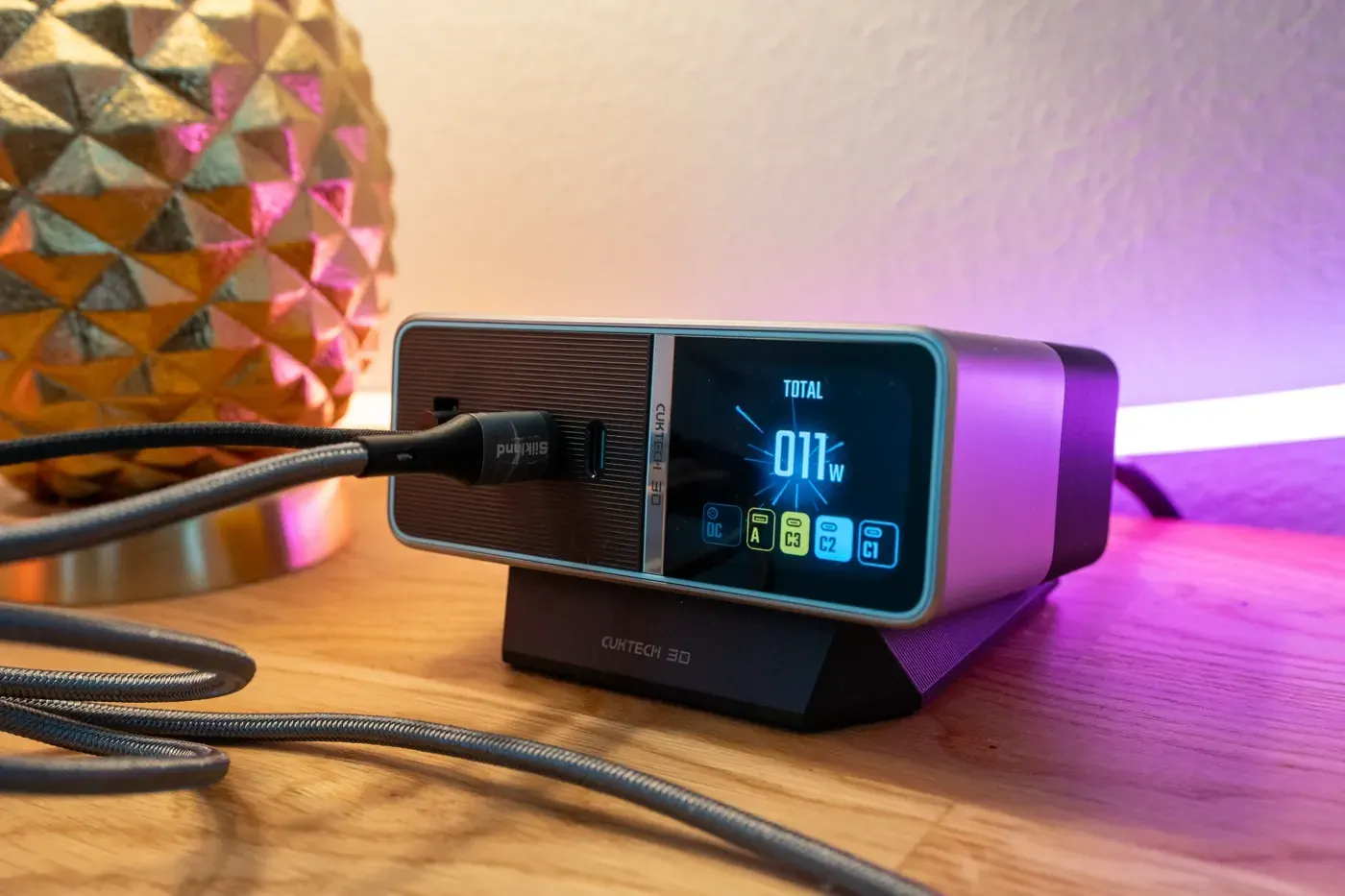
My desk has a habit of collecting chargers. Laptop brick here, phone charger there, a USB-A plug for camera batteries hiding behind the monitor. It works, but it never looks or feels all that tidy.
The CUKTECH 30 Ultra is a 300W GaN desktop charging station built to help fix exactly that problem. It packs five outputs (a dedicated high-power DC port, three USB-C ports, and one USB-A port) into a unit measuring just 108 x 85 x 43 mm, then adds a 1.83-inch color display that shows you exactly what every port is doing in real time.
I've been running it as the central power hub on my desk, charging everything from an iPad Pro to camera batteries, and it has genuinely changed how my workspace looks and functions but it's not perfect and in some instances can still come with a little desktop 'cable mess', unless managed correctly.

Here's my full take after living with it for the last month.
If you purchase through links in this article, we may earn a small affiliate commission.
Key Specifications
- Price: $160. Check price at Amazon.com
- Total maximum output: 300W
- Outputs: DC barrel port: up to 300W (20V/15A) for gaming and creator laptops, activated via top button, USB-C 1 and 2: up to 140W each (USB PD 3.1), USB-C 3: up to 33W, USB-A: up to 18W
- Display: 1.83-inch color IPS, around 850 nits, with per-port wattage, voltage, amperage, protocol detection, and temperature monitoring
- Protocols: 13+ supported, including PD 3.1, PPS, Quick Charge, Samsung AFC, Huawei SCP, Xiaomi 120W HyperCharge, and UFCS
- Dimensions: 108 x 85 x 43 mm. Stand: heavy metal anti-slip base, magnetic attachment, tilts the unit 10 degrees
- In the box: AC power cord, 240W USB-C cable, sleeved 300W angled DC cable, and nine DC adapter tips covering Lenovo, ASUS ROG, HP, Dell, Acer, MSI, and Razer laptops
Features I love
The display turns charging from a guessing game into hard data
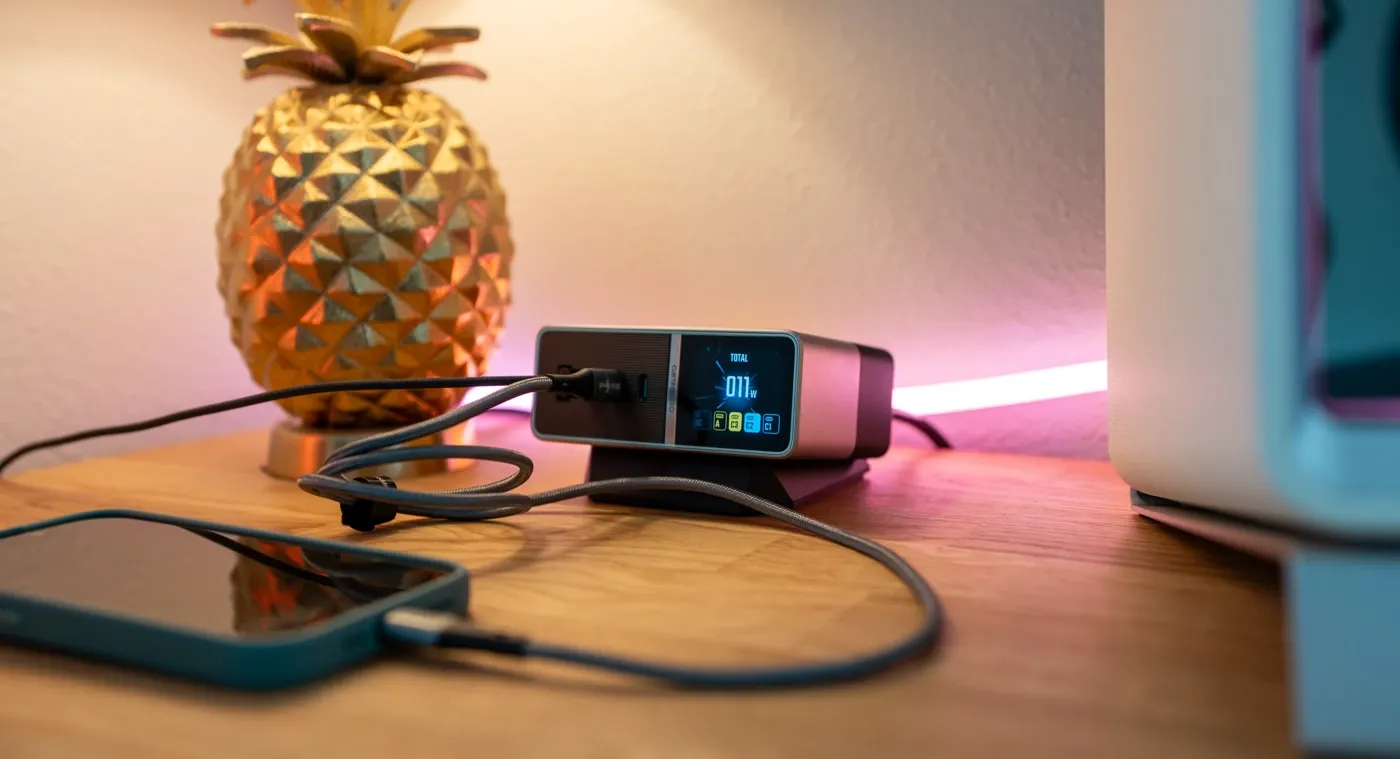
This is the feature I didn't know I needed. The 1.83-inch screen shows real-time wattage, voltage, and amperage for every port, plus the charging protocol each device has negotiated.
That sounds like a gimmick until you use it.
When a phone charges slowly, I can now see instantly whether it's the cable, the port, or the device itself. When I plug in a MacBook, I get confirmation it's pulling full PD 3.1 speeds rather than quietly trickle charging.
For anyone who tests gear, or just wants to know their expensive cables actually do what the packaging claims, this screen earns its place. It's the difference between hoping your setup is working and knowing it is.
Serious power that doesn't flinch when you stack devices
The headline numbers are strong: 300W total, with the two main USB-C ports delivering up to 140W each. That's enough to fast charge two 16-inch MacBook Pros simultaneously at full speed, which very few desktop chargers can claim.
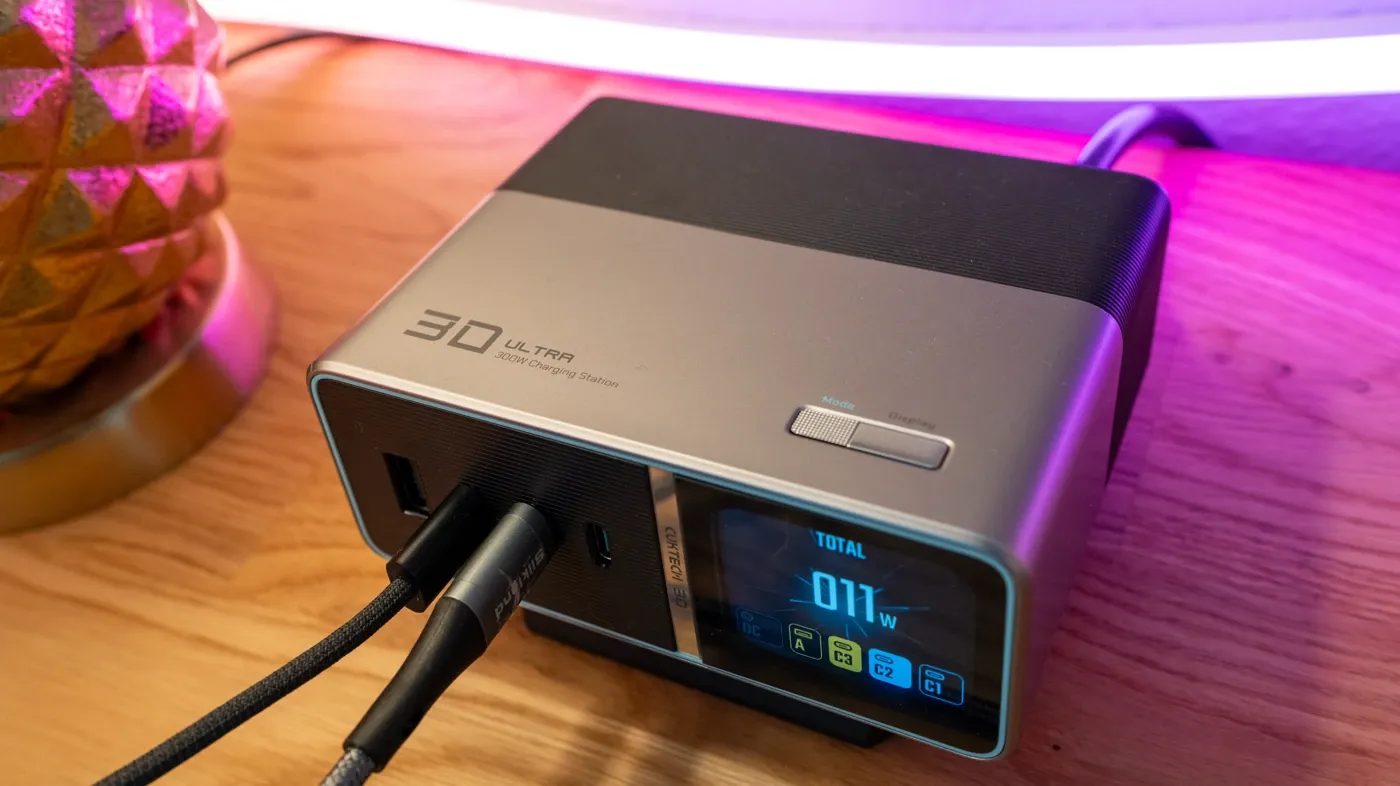
What impresses me more is how it behaves under load. Plugging in a second or third device doesn't send everything into a throttled panic. Power distribution stays smart and stable, and the GaN architecture keeps the unit barely warm even during long multi-device sessions.
The dedicated DC port is the bonus round; but I don't personally use this one much as I plug my laptop in directly to my Apple Studio Display which powers the laptop anyway...
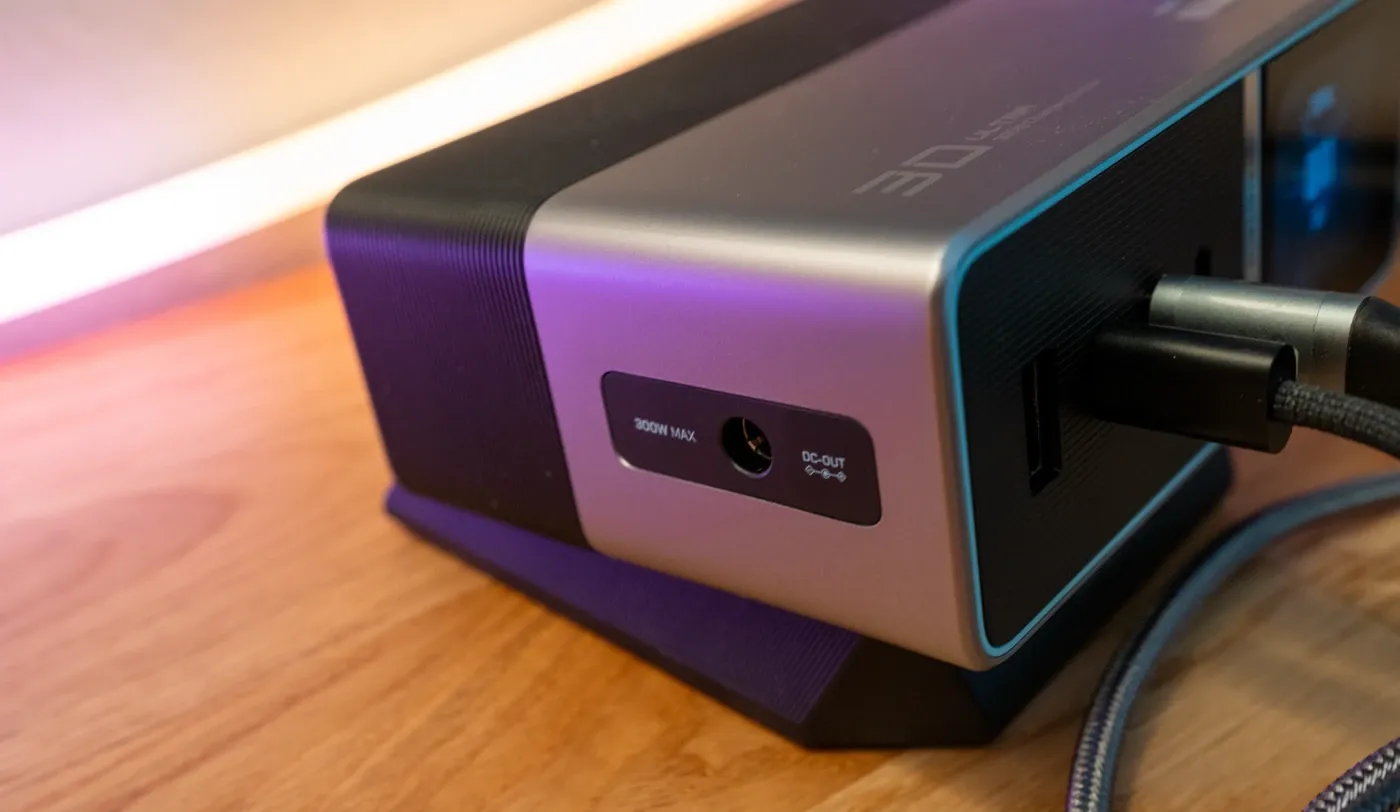
With nine included laptop tips, it can replace the giant proprietary brick that comes with most gaming and creator laptops, pushing up to 300W through a single sleeved, angled cable.
If you run a high-draw Windows laptop alongside Apple gear, this one unit genuinely covers both worlds.
It actually delivers on the tidy desk promise (mostly)

Plenty of products claim to declutter your workspace. This one does it pretty well. I've retired multiple wall chargers, and everything now routes through one compact, good-looking unit.
The build quality helps sell it; the station is dense and solid, the metal stand tilts the screen up 10 degrees so it's readable at a glance, and the whole thing looks purposeful on a desk rather than like another plastic gadget.
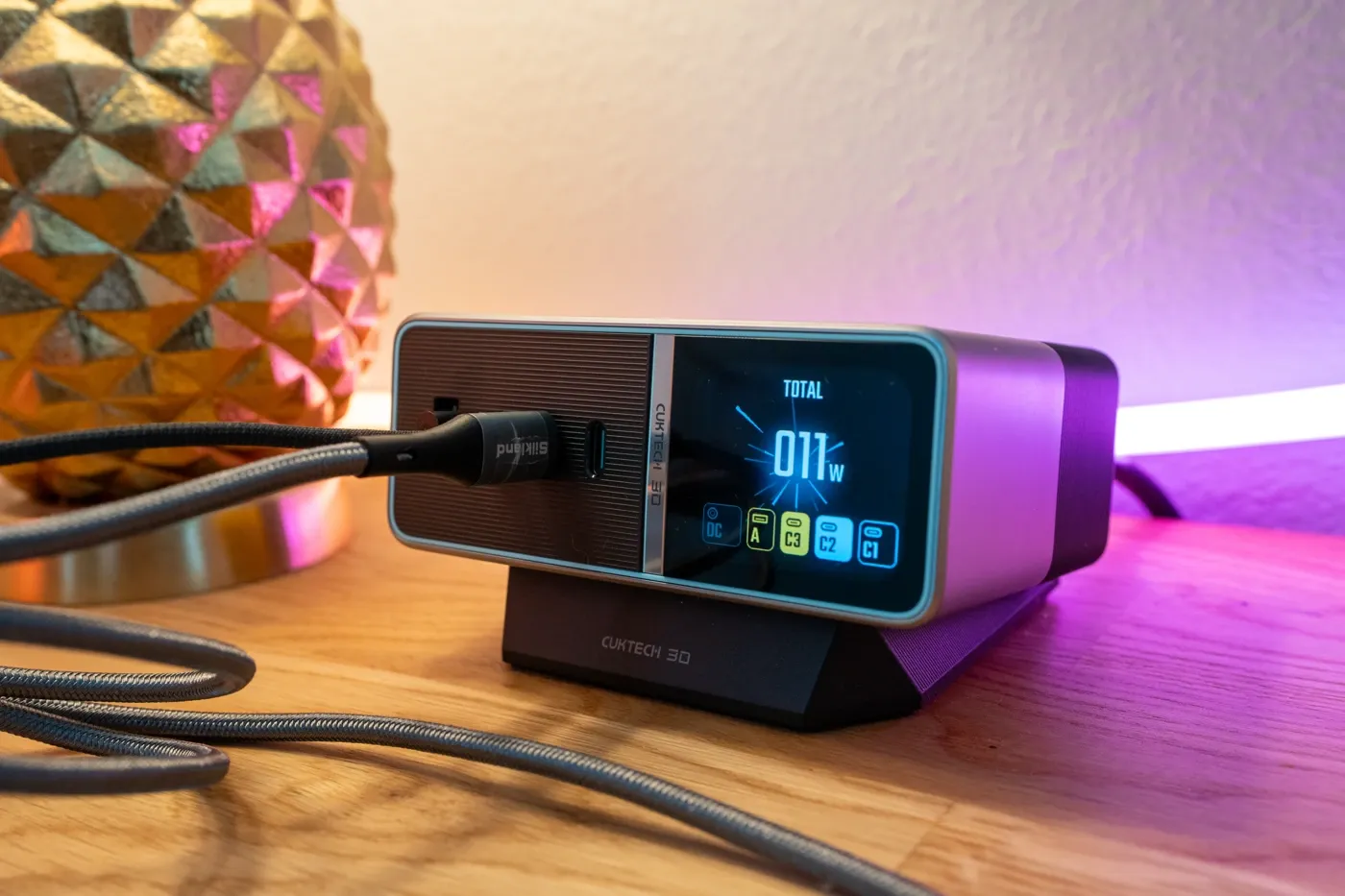
The USB-A port deserves a quiet mention too. It's easy to dismiss as legacy, but it's exactly what I use for camera batteries and older accessories, and having it built in means one less adapter floating around.
What could be improved
The magnetic connection between the unit and the stand is my main gripe.
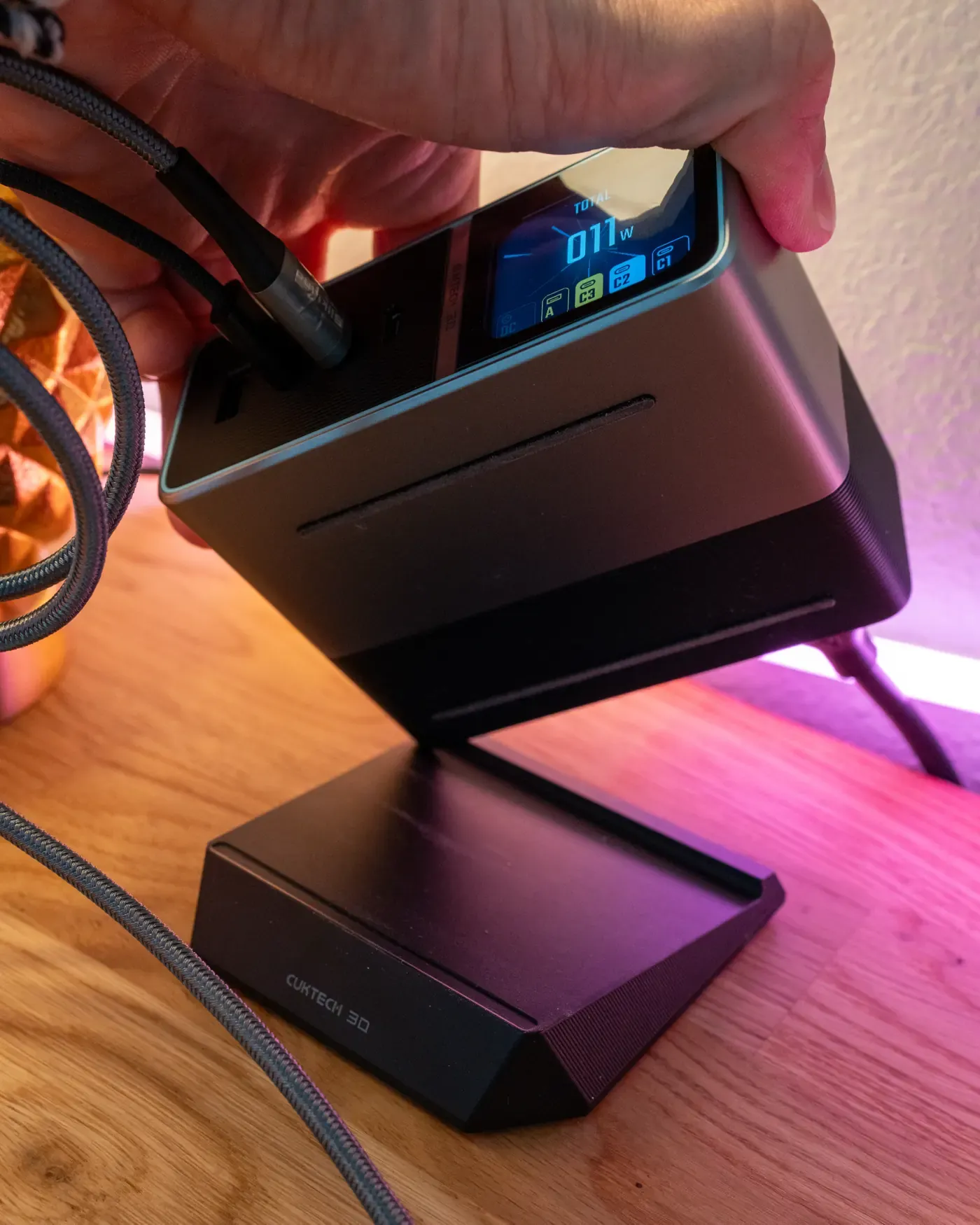
It's convenient for attaching and removing the stand, but it's a little weak in daily use. When I plug cables in and unplug them, the unit shifts around on the desk more easily than I'd like.
It's a minor thing (you can also run the unit without the stand for a more planted feel), but for a product built around frequent device swapping, I'd love a firmer hold.
A few smaller notes. The DC port needs manual button activation before it outputs power, which catches you out the first time. Navigation is via physical buttons rather than touch, so there's a short learning curve.
And CUKTECH has stamped its logo on the stand, and the screen/body, which feels like too many logos to me.
Finally, at $159.99 this is a premium purchase. If you only charge a phone and some earbuds, it's more charger than you need.
My verdict
The CUKTECH 30 Ultra is one of the best desktop charging solutions I've used. It combines serious, stable power with a genuinely useful diagnostic display, and it consolidates an entire drawer's worth of chargers into one compact, well-built unit.
The weak magnetic stand connection is my one real-world annoyance, and the price means it's aimed squarely at people with multiple demanding devices. But if that's you (creators, remote workers, anyone juggling laptops, tablets, phones, and camera gear), the $159.99 asking price buys a lot of capability, especially when discounts bring it closer to $145.
For a busy home office or content creation setup, this is an easy recommendation. My desk is tidier, my charging is faster, and for the first time I can actually see what all of it is doing.
If you haven't already, signup to our free newsletter, for more quality outdoor content like this. -Alastair
Written by

Subscribe to new posts
Gear that earns its place, outdoors and at home | Reviews, Roundups, News














Member discussion