
COROS PACE 4 review: Why this ultralight AMOLED running watch became my daily favorite
A featherweight GPS running watch with sharp visuals, long battery life, and voice tools that make logging efforts more enjoyable.

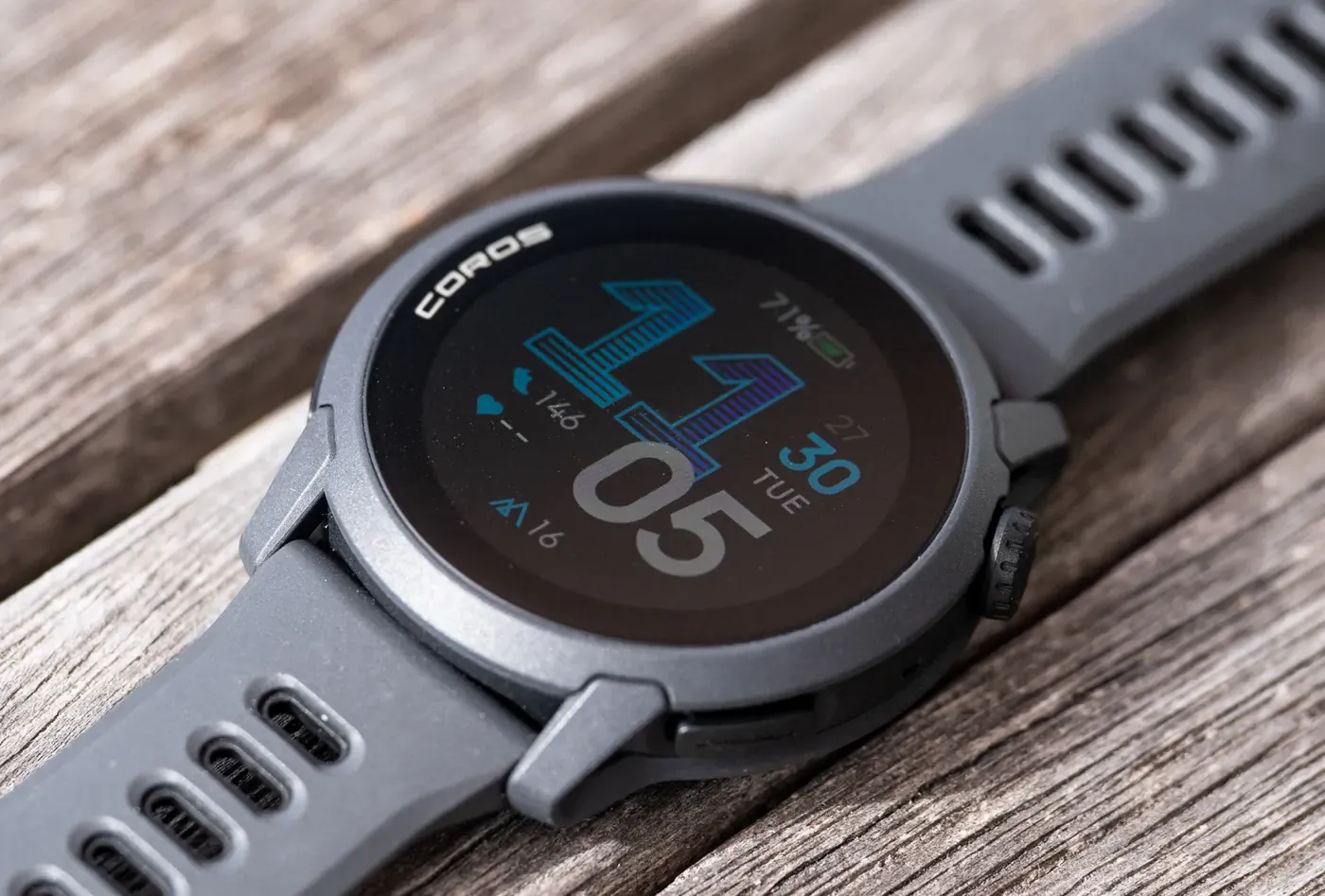
I’ve worn plenty of running watches that promise the world but end up feeling like a compromise. Some pack premium features at a high price, others cut corners on display or battery to stay affordable.
I started testing the COROS PACE 4 curious if an ultralight AMOLED watch could really deliver serious training tools without the usual trade-offs.
After a month of daily runs, some trails, intervals, and recovery days, it has become the road running watch I reach for most when trail specific features, like navigation, aren't a requirement.
The combination of barely-there weight, a vibrant screen, and thoughtful running features surprised me with how much it elevated consistent training. At $250 from coros.com, this little thing is an absolute steal for 90% of runners out there!
If you purchase through links in this article, we may earn a small affiliate commission. For exclusive content, our newsletter, and more perks, become a member, it's free! -The Trail & Kale team ✌🏼
Key specifications
The PACE 4 focuses on running performance in an extremely compact package.
- Pricing: $249 at coros.com
- Weight: 40g with silicone band, 32g with nylon band
- Dimensions: 43.4 x 43.4 x 11.8mm
- Display: 1.2-inch AMOLED touchscreen, 390 x 390 resolution
- Battery life: Up to 41 hours in high GPS mode, 19 days daily use
- GPS: All-Satellite Dual-Frequency
- Sensors: Redesigned optical heart rate, barometric altimeter, accelerometer, gyroscope, compass, pulse oximeter, thermometer
- Features: Built-in microphone for voice pins and notes, Effort Pace, EvoLab metrics, race predictor, marathon plans, music controls, offline MP3 playback
- Water resistance: 5 ATM
Best Running Watches under $450
Whether you’re looking for your first running watch or in research phase for an upgrade, these are the best GPS watches for runners, under $450.
 Alastair Dixon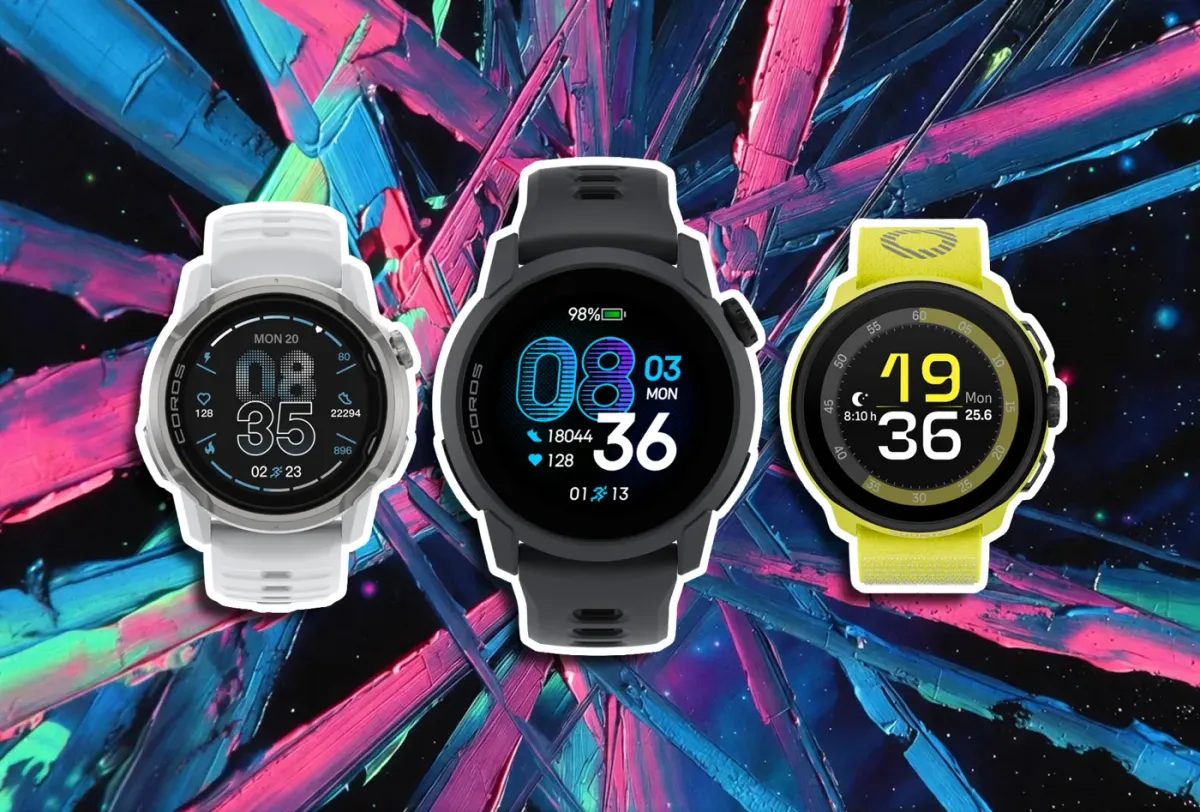
How to set it up (the settings I changed right away)
The PACE 4 arrives ready for most users, but a few quick adjustments can make it feel more tailored and optimized.
Display settings come first.
Gesture Backlight
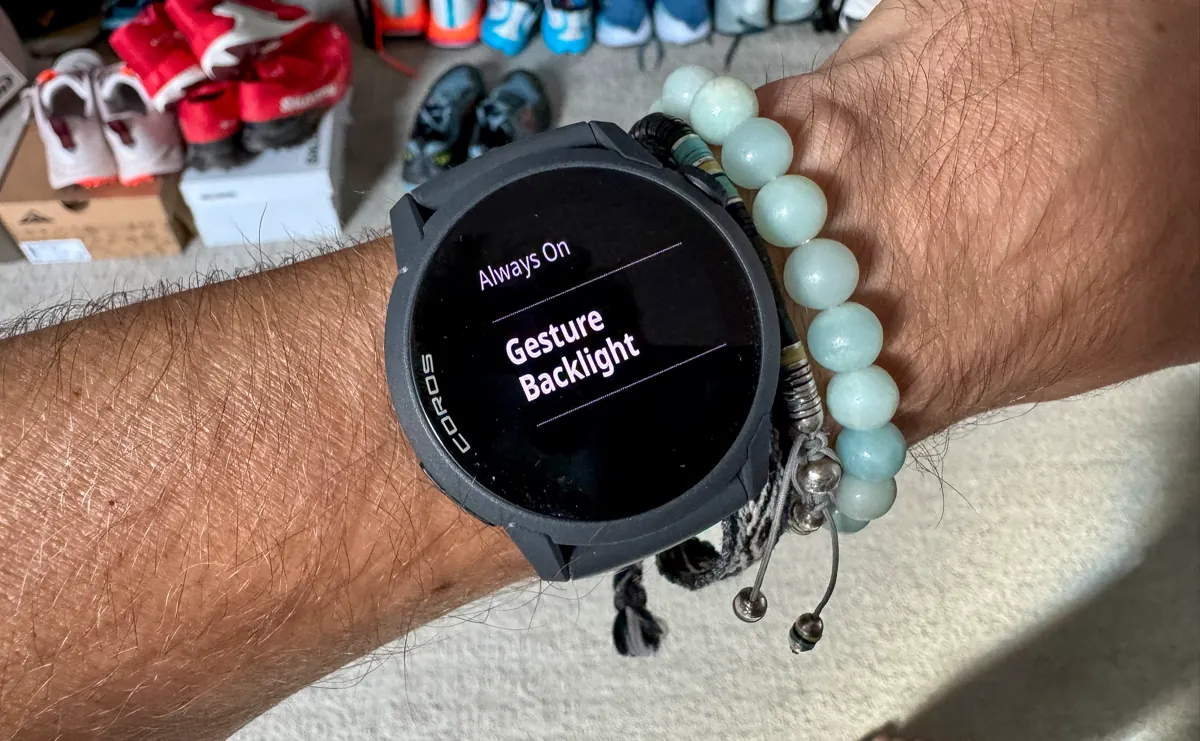
The AMOLED screen can drain battery if always lit, so prioritize gesture activation and auto-adjustments.
- On the watch: From the main watch face, scroll to System > More Settings > Display.
- Toggle Gesture Backlight ON (activates on wrist raise and deactivates on lower).
- Toggle Always On OFF (prevents constant illumination, especially when not worn or during sleep).
- Set Brightness to Standard (recommended; High or Max increases drain).
- Auto-brightness is enabled by default and adjusts within your brightness level based on ambient light— no separate toggle needed, as it handles most conditions well.
This setup preserves battery for longer daily use while maintaining visibility.
Check your satellite mode
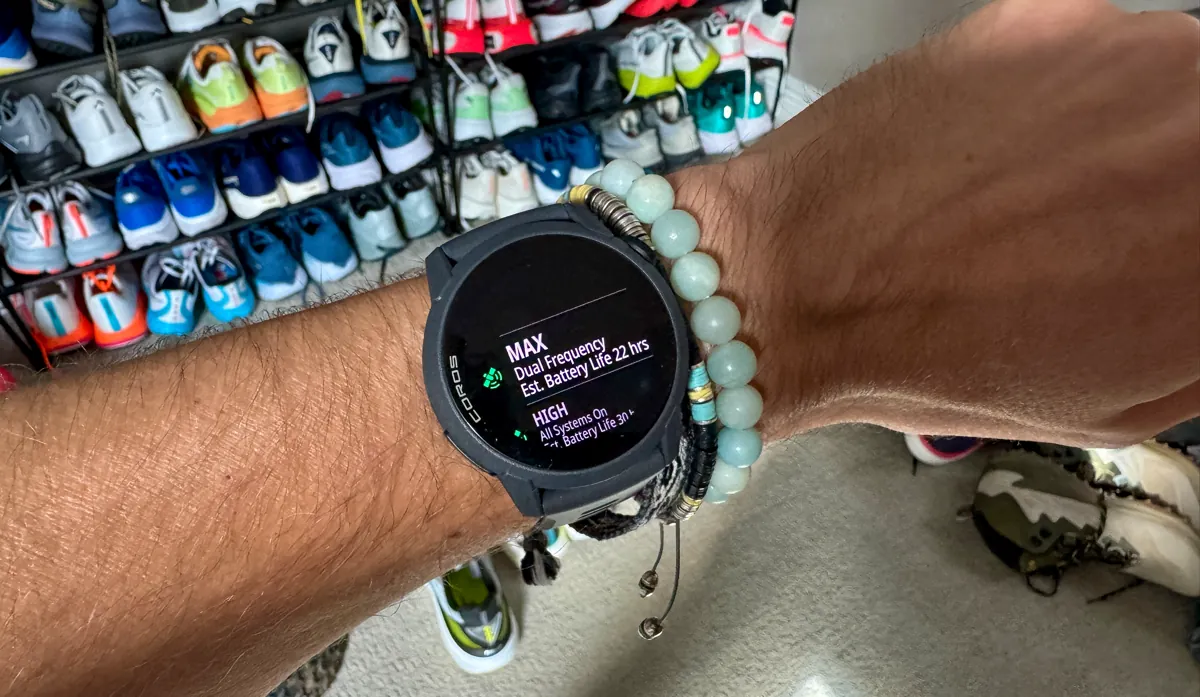
The Pace 4 has two global satellite modes: High (All Systems, default for excellent accuracy with balanced battery) and Max (Dual Frequency, for top accuracy in tough environments but noticeable extra drain).
- On the watch (global setting): Hold the Back button > System > More Settings > Satellite Systems > Mode > Choose High (All Systems – excellent accuracy, extends runtime for ultras/long sessions) or Max (Dual Frequency – best for dense urban or forested areas).
For ultras or maximum battery, ensure it's set to High (up to 41 hours GPS runtime vs. 31 hours on Max).
Calibrate altimeter before hilly runs
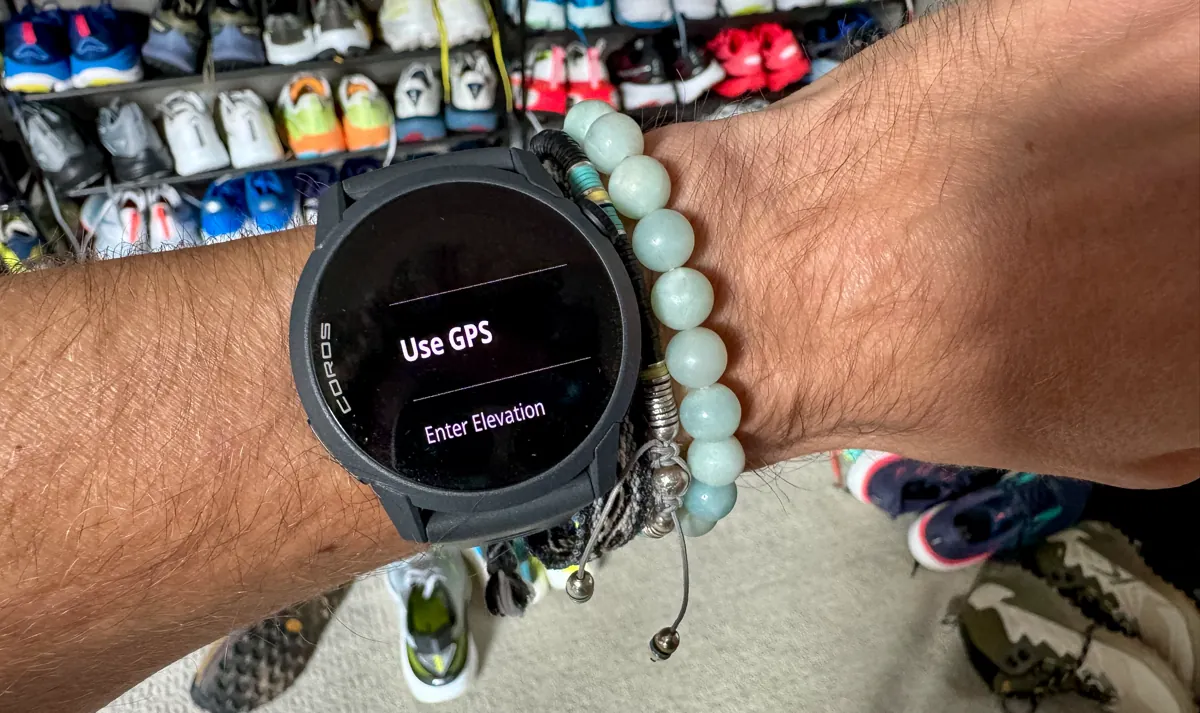
Doing this keeps elevation data a whole lot more reliable, if that's something that matters to you.
- On the watch: From the main watch face, go to System > Sensors > Calibration > Elevation.
- Select Use GPS (stand in an open field for best results) or Enter Elevation (manually input a known value).
- Follow on-screen prompts to complete.
Do this regularly, especially pre-hilly or trail runs; the watch auto-calibrates during outdoor activities, but manual is always going to be better.
Heart rate monitoring
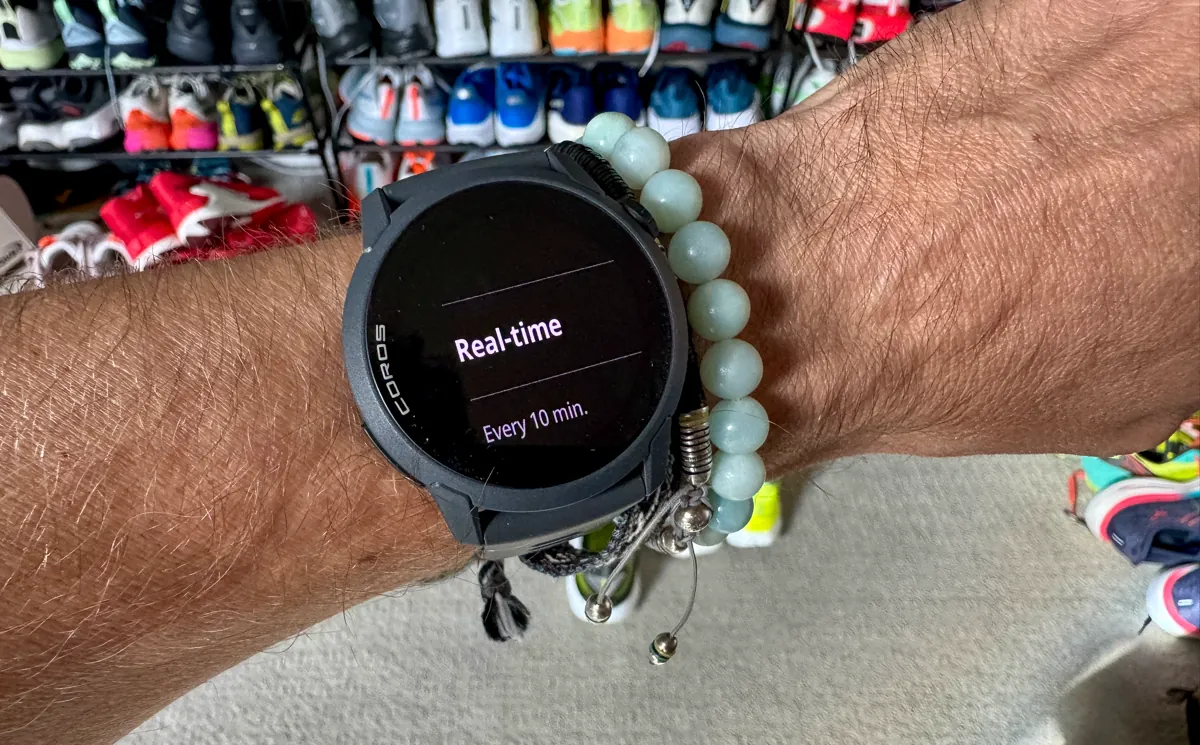
The redesigned sensor improves accuracy but there are tweaks you can make to increase battery life further.
- For daily trends: On the watch > System > Sensors > Optical HR > Daily HR > Set to Real-time (for trends without heavy drain; you can set this to every 10 minutes, extending the battery life dramatically).
- For activities/cold weather (where optical can lag if you don't secure your watch tight enough): You can pair a COROS HR monitor (review here) via System > Accessories > Search and add Bluetooth device (overrides wrist sensor during activities for precise data).
Ensure a solid heart icon appears before starting activities.
I tried the COROS APEX 4 for a month, here’s what I learned
A lightweight mountain GPS watch with huge battery life, precise offline maps, and athlete-focused features that make long training days feel easier.
 Alastair Dixon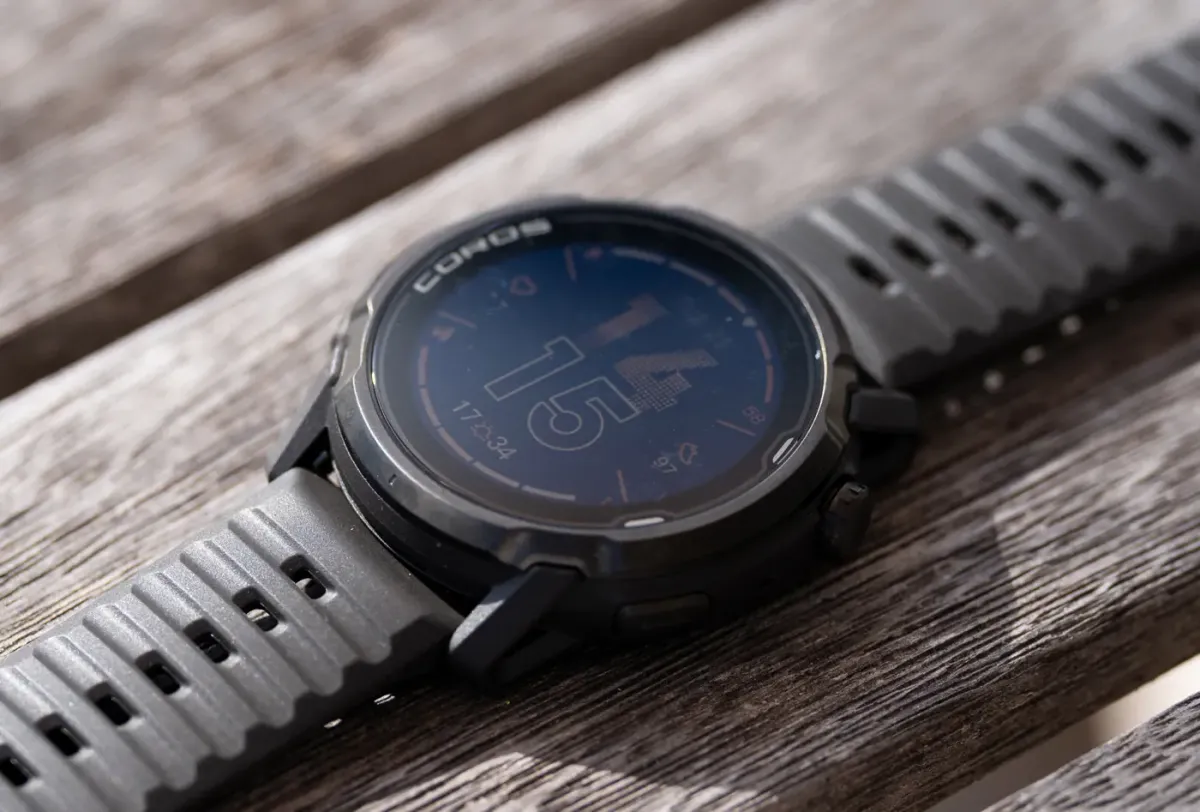
Data screens
Data screens are deeply customizable. You can build pages with Effort Pace, power zones, ascent/descent, and hydration alerts.
Remap action button (for Voice Pins or Screen Flips)
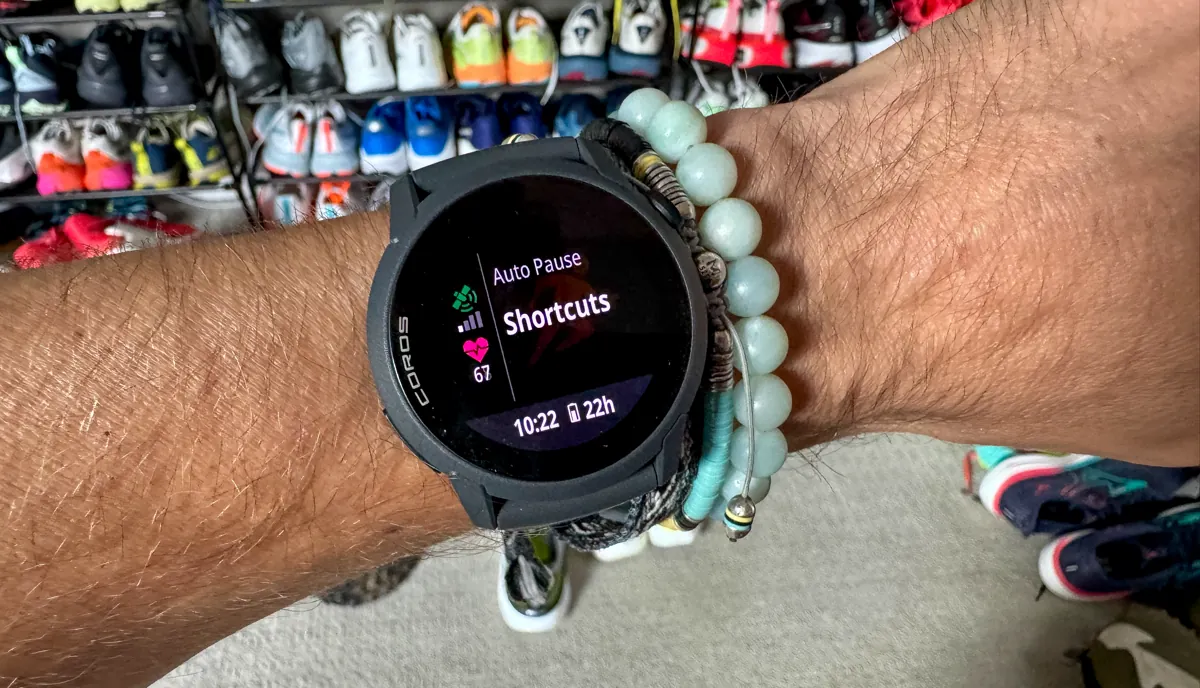
This speeds up mid-run access.
- On the watch: Enter activity mode > Scroll down on start screen > Shortcuts > Assign Action Button to Add Pin (for voice pins/notes) or Switch View (for screen flips between data/navigation).
Press the button (left side) during runs to activate.
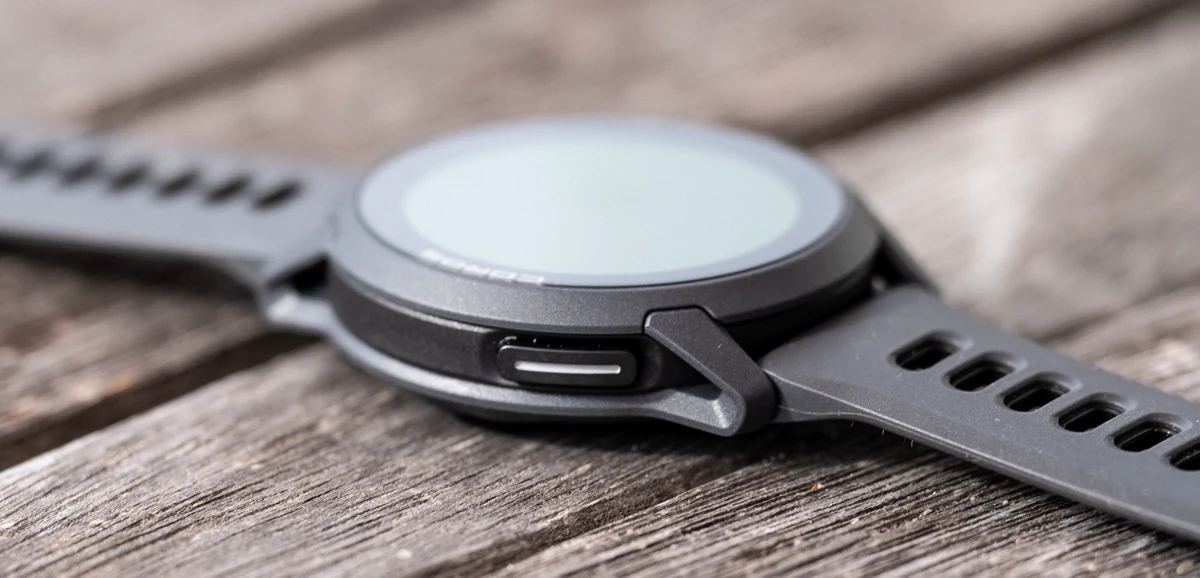
These changes took minutes but transformed it from good to perfectly suited.

Performance review
Lightness defines the entire experience with the PACE 4.
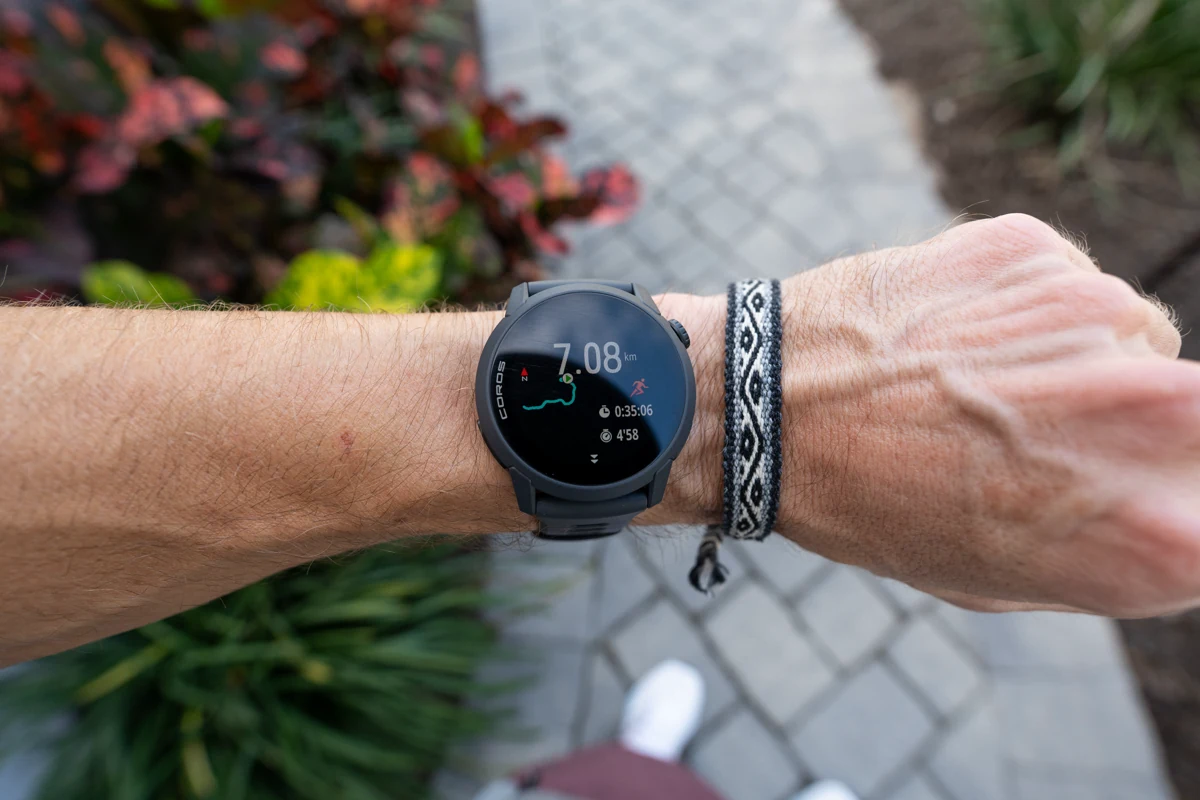
At 32 to 40 grams (depending on our band) and just 11.8mm thin, the PACE 4 disappears on the wrist even during long efforts.
It also feels very well built, even though the bezel is made with a fiber reinforced polymer, rather than a metal alloy but that doesnt matter here due to the lightweight being such a huge draw for it.
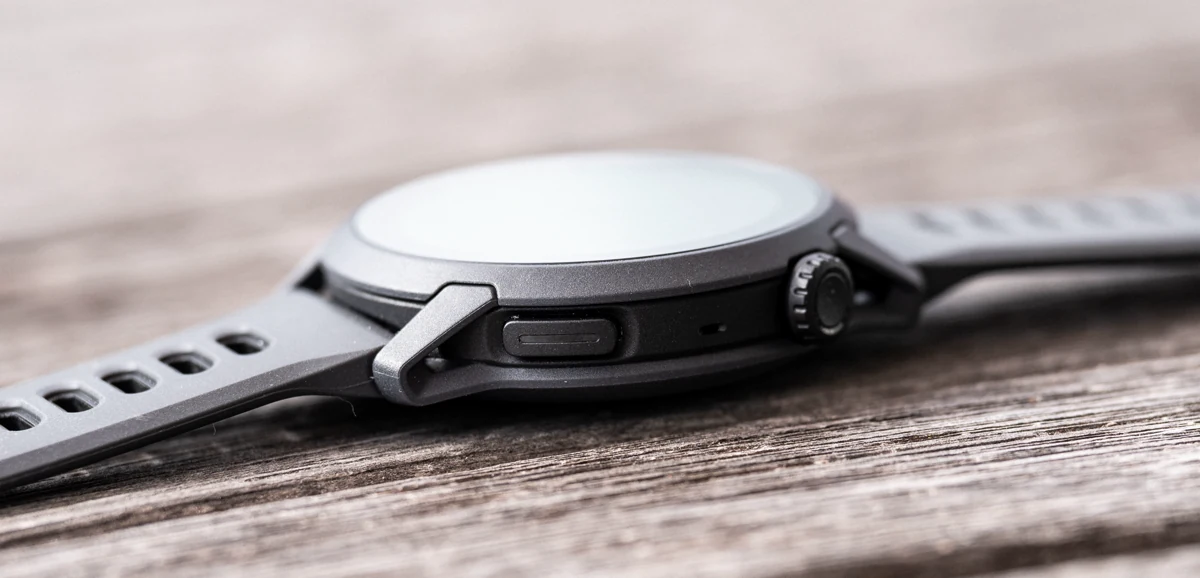
The silicone band breathes exceptionally well and stays secure without hotspots or slipping.
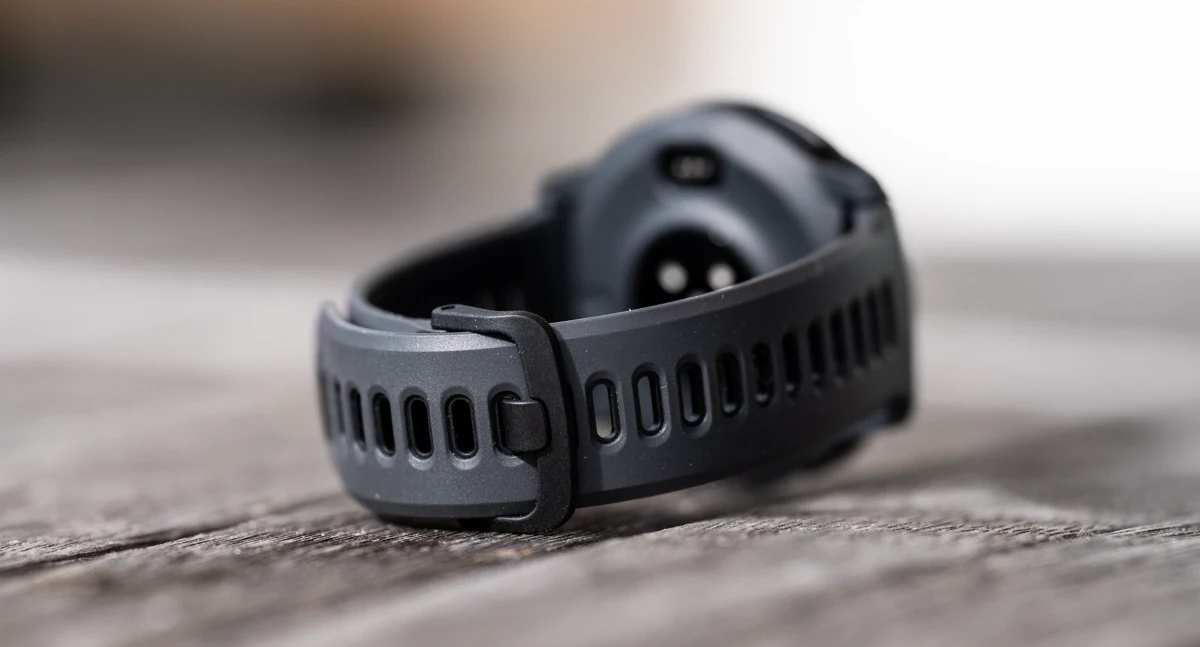
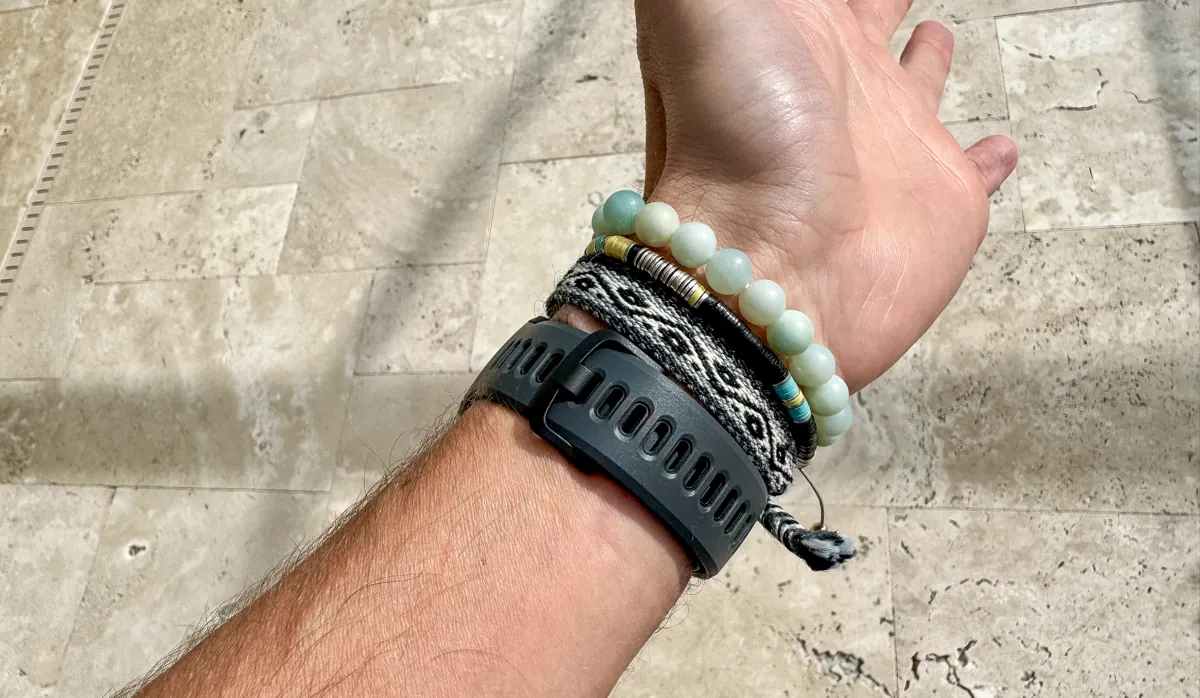
On multi-hour runs or hot days, there’s no bounce, no irritation, just comfort that lets me focus on the run itself.
The AMOLED screen elevates everything noticeably.
It's vibrant (indoors and out), sharp, and highly readable in direct sunlight thanks to 1500 nits brightness, it makes data pages pop and quick checks feel more effortless.
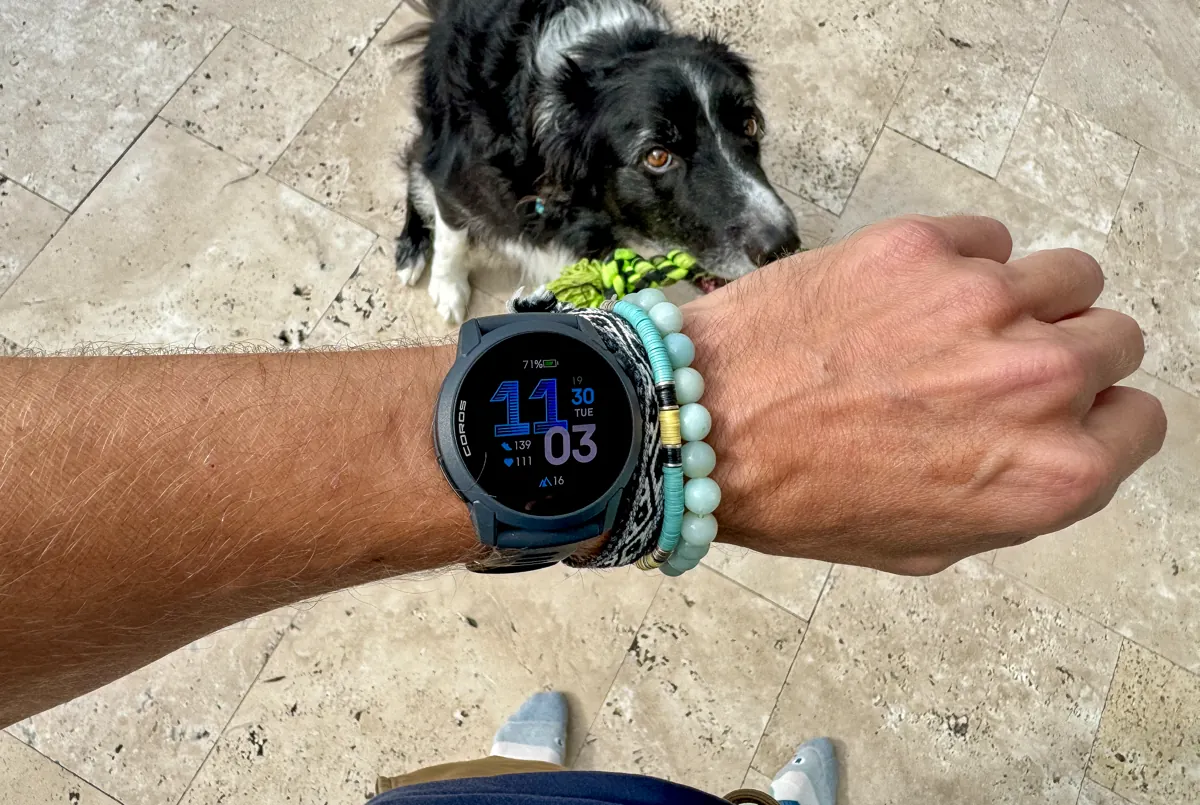
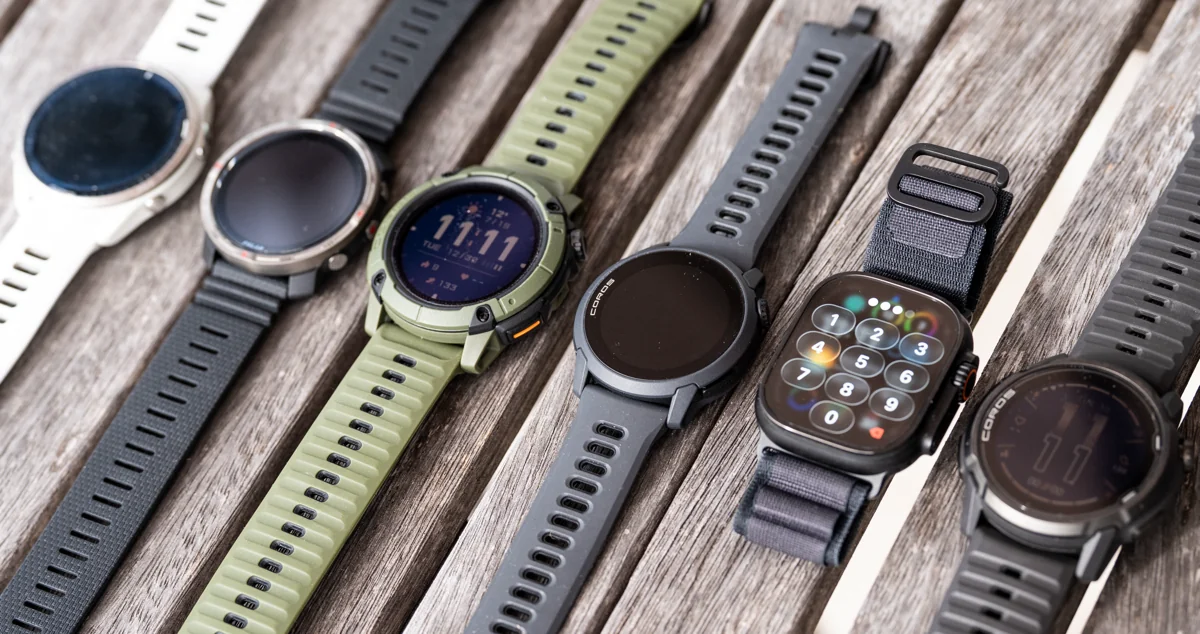
Compared to MIP displays on some other COROS models like the APEX 4, and NOMAD, or competitors, the upgrade feels meaningful for glancing at pace, zones, or elevation without slowing down.
Breadcrumb navigation is clear and responsive, though it lacks full offline maps, that's where those more trail focused GPS running watches just mentioned, dominate.
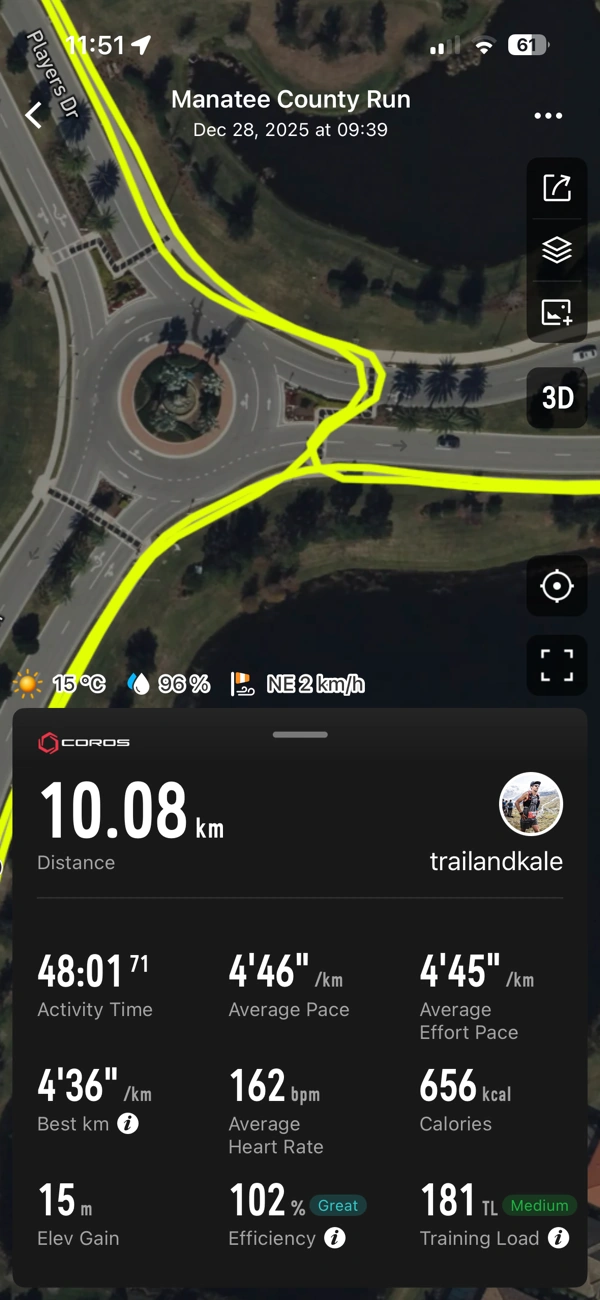
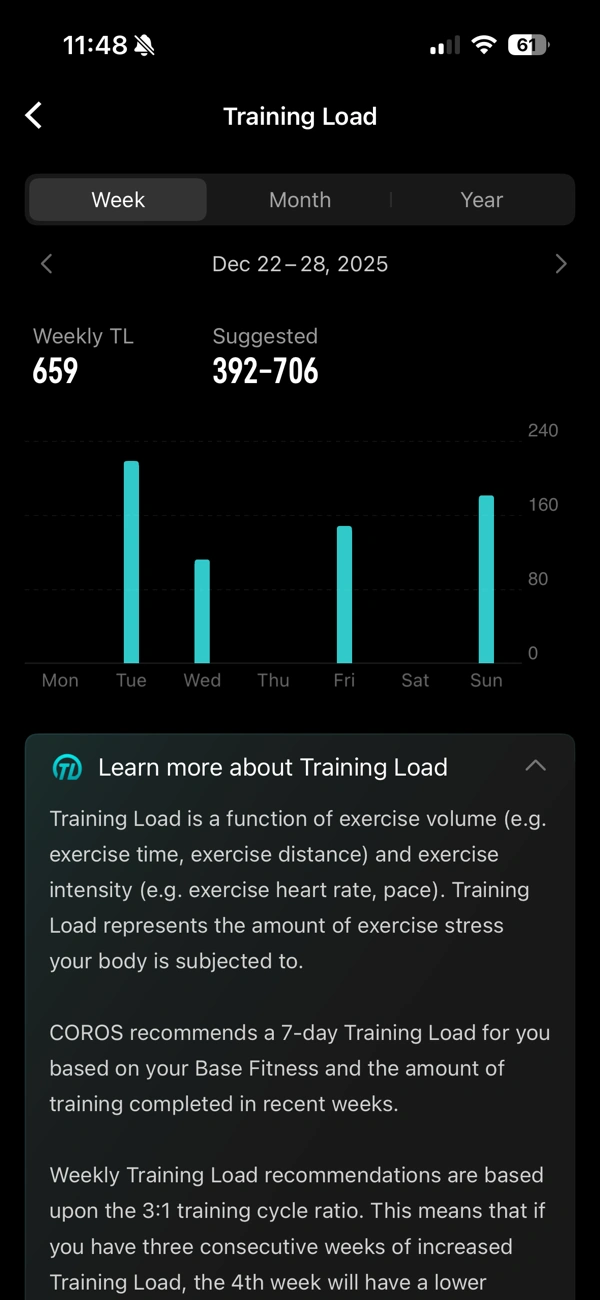
GPS and heart rate deliver reliably day after day, and the dual-frequency satellite system locks fast and tracks cleanly.
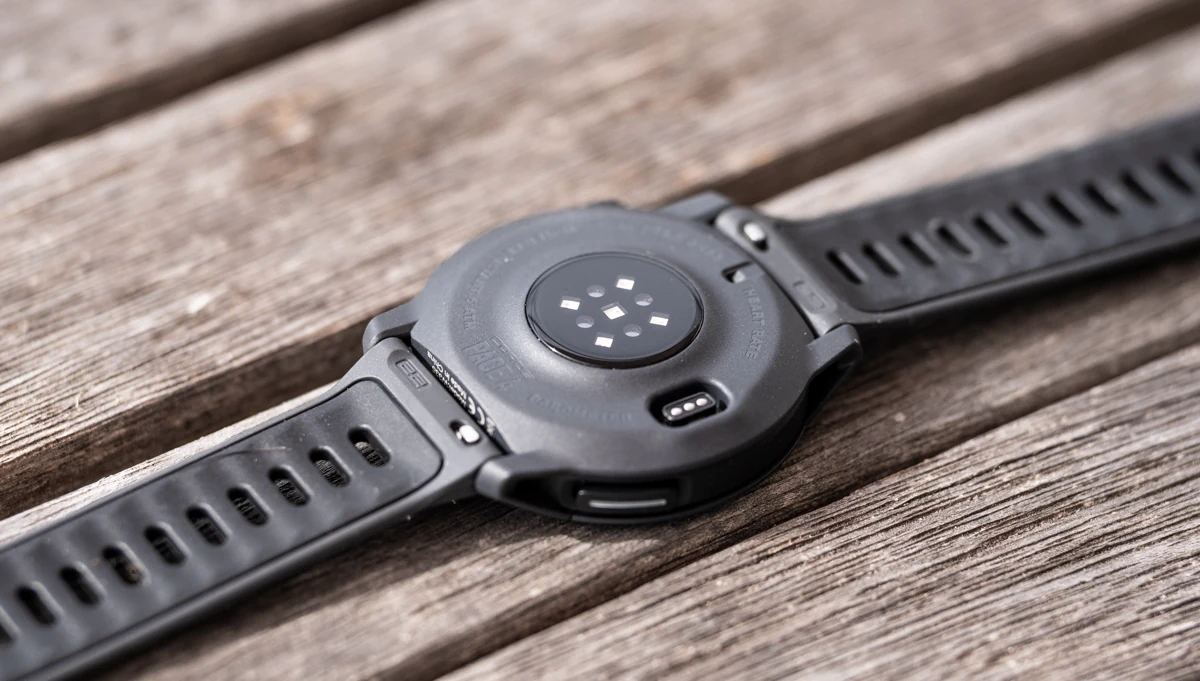
The redesigned optical sensor holds steady for most sessions, providing accurate zones and trends with only occasional early cold-weather adjustments.
It’s consistent enough that I rarely reach for my COROS HR monitor, except on high-intensity intervals.
Battery life impresses in practice, especially considering it uses an AMOLED screen, I guess the smaller display size helps here to some degree, requiring less power for the screen surface area.
Real-world GPS sessions should approach the 41-hour claim on high mode, although I haven't tested that directly, my test data extrapolation tracks.
Daily tracking stretches comfortably to 2 weeks with gesture backlight, sleep tracking and no notifications.
It removes the constant charging worry that plagues many AMOLED watches, making it realistic for weekend long runs, races, or even multi-day efforts without a power bank.
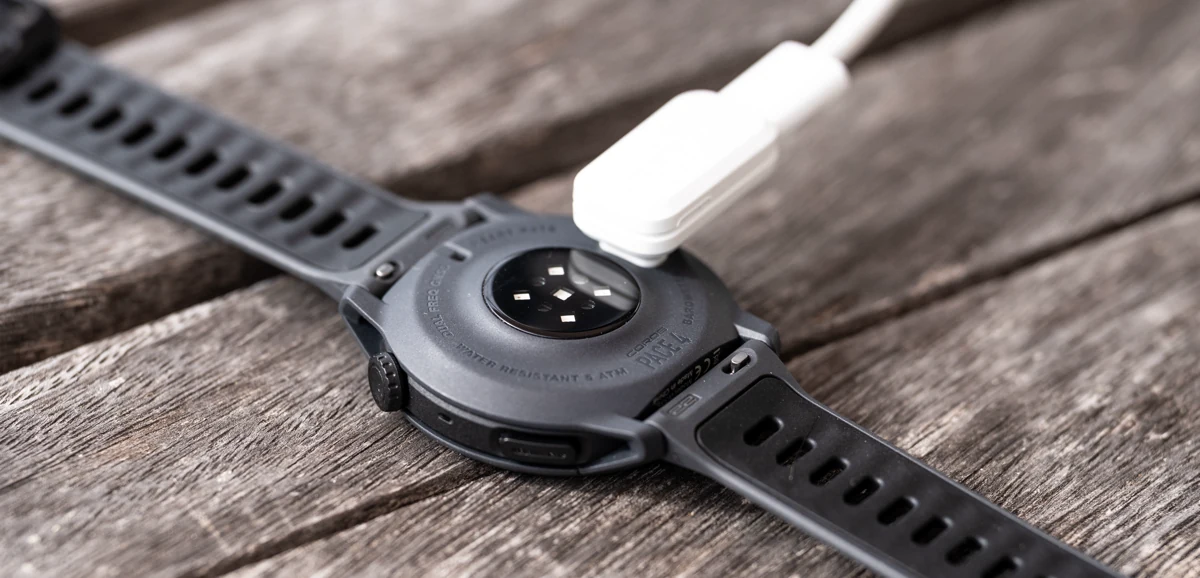
And get this, you can charge the PACE 4 to full in 2 hours.
Voice tools add a unique, practical layer I didn’t expect to use so much but it's a feature I enjoyed when testing the APEX 4 and NOMAD watches too.
Dropping pins mid-run for notes like “gel taken” or “legs feeling heavy here” creates useful geotagged logs. Post-run RPE comments via voice make journaling quick and honest too.
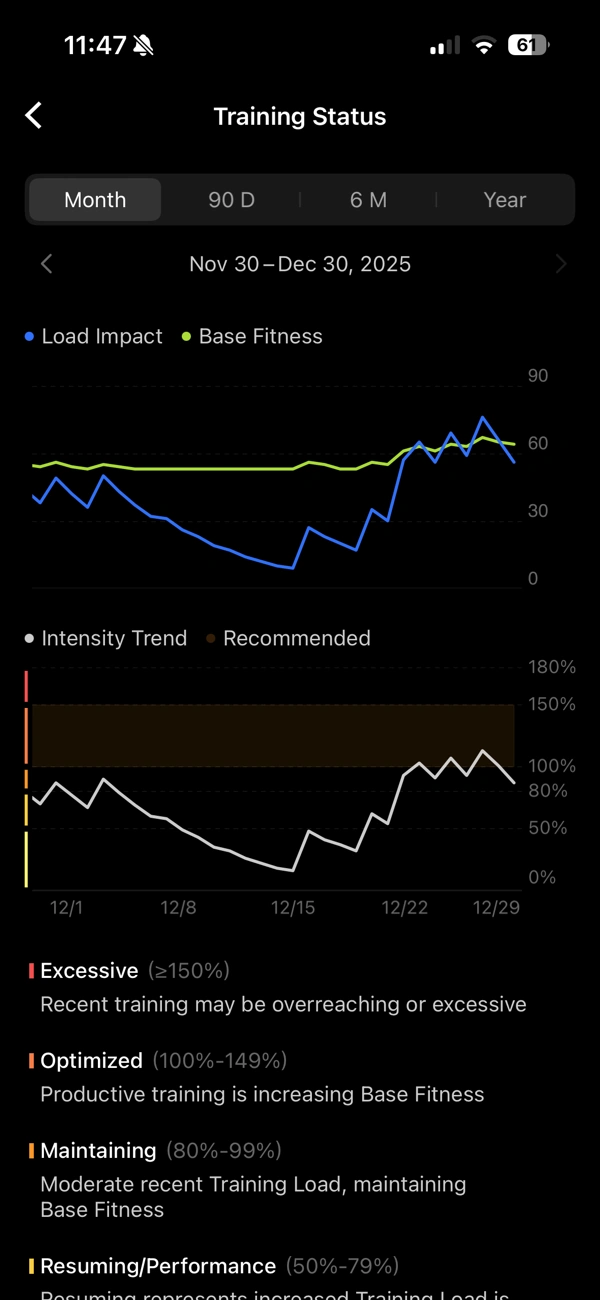
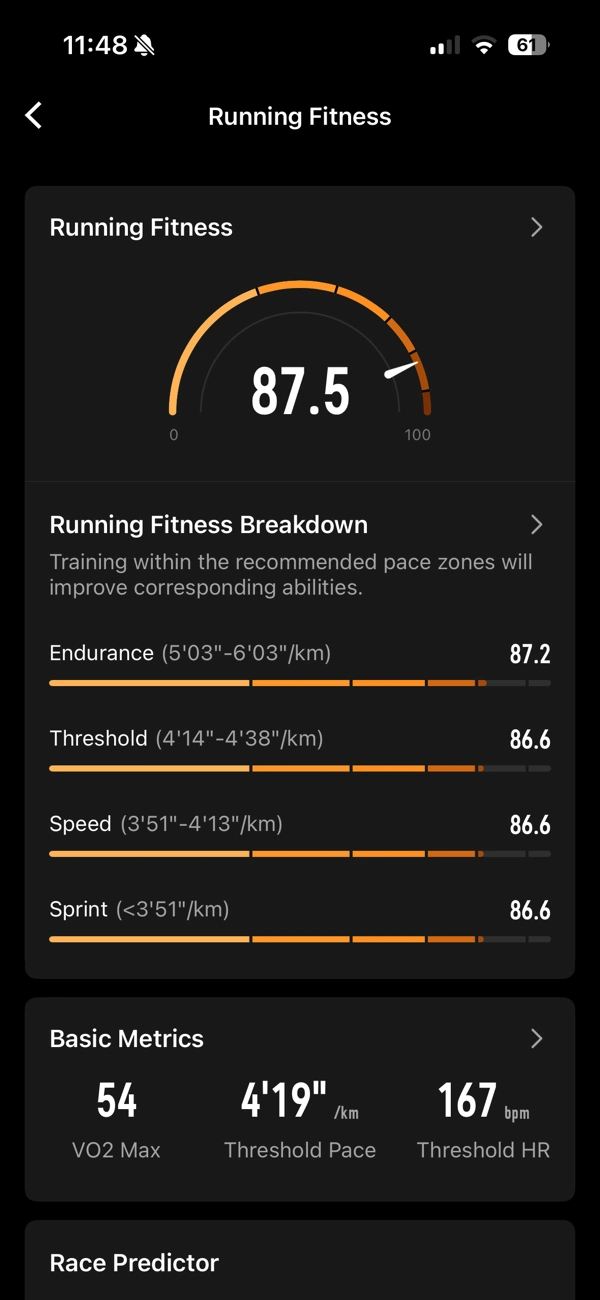
Effort Pace and EvoLab metrics give clear insights into training load, readiness, race predictions, and personalized plans without any subscription walls.
Music controls and the white-screen flashlight are handy bonuses. Skipping tracks from the wrist or using the display as a quick light for early mornings or camp tasks works smoothly.
There are a few realities you should be aware of though. There are no offline maps, limiting navigation to breadcrumb style, which is fine for familiar routes but less ideal for new route exploration.
Always-on display shortens daily battery noticeably if left enabled.
Smart features remain basic (no streaming, payments, or speaker for calls), and the Action Button customization stops short of full flexibility outside activities.
Overall, the PACE 4 performs exceptionally well for focused running in a lightweight, modern package that prioritizes comfort, battery, and actionable data.
My verdict
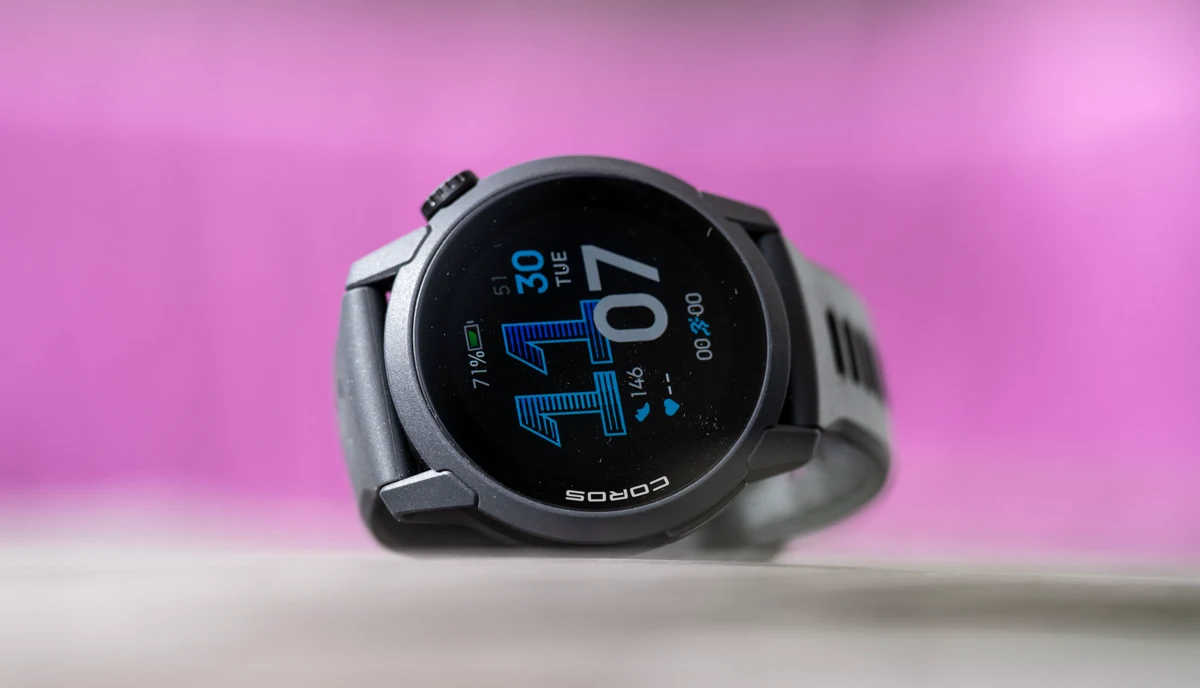
The COROS PACE 4 has become my primary daily running watch for road running. I still enjoy wearing my Apple Watch Ultra 3 for daily use, however, as I like how it looks (fashion-wise), and I'm pretty integrated into the Apple world for work, et al; it's not the best dedicated running watch however.
The PACE 4 blends ultralight comfort, vibrant AMOLED display clarity, and long battery life with training tools that genuinely support progress.
For runners seeking a dedicated device that feels premium yet affordable, it’s outstanding at $249.
The absence of detailed maps and advanced smart features won’t suit everyone, but for for most people interested in pure running performance with modern touches like voice notes, it hits the mark perfectly.
If you want a watch that encourages consistent training without weighing you down, literally or figuratively, the PACE 4 earns strong recommendation.
If you haven't already, signup for our free newsletter, and subscribe to our YouTube Channel for more quality content like this. -Alastair
Written by

Subscribe to our Newsletter
to discover the best gear, healthy foods, and life outdoors.









Member discussion