
Brick is turning distracting phones back into useful tools
By requiring a physical tap to block and unblock apps, Brick adds the kind of real-world friction most digital wellness apps never manage.

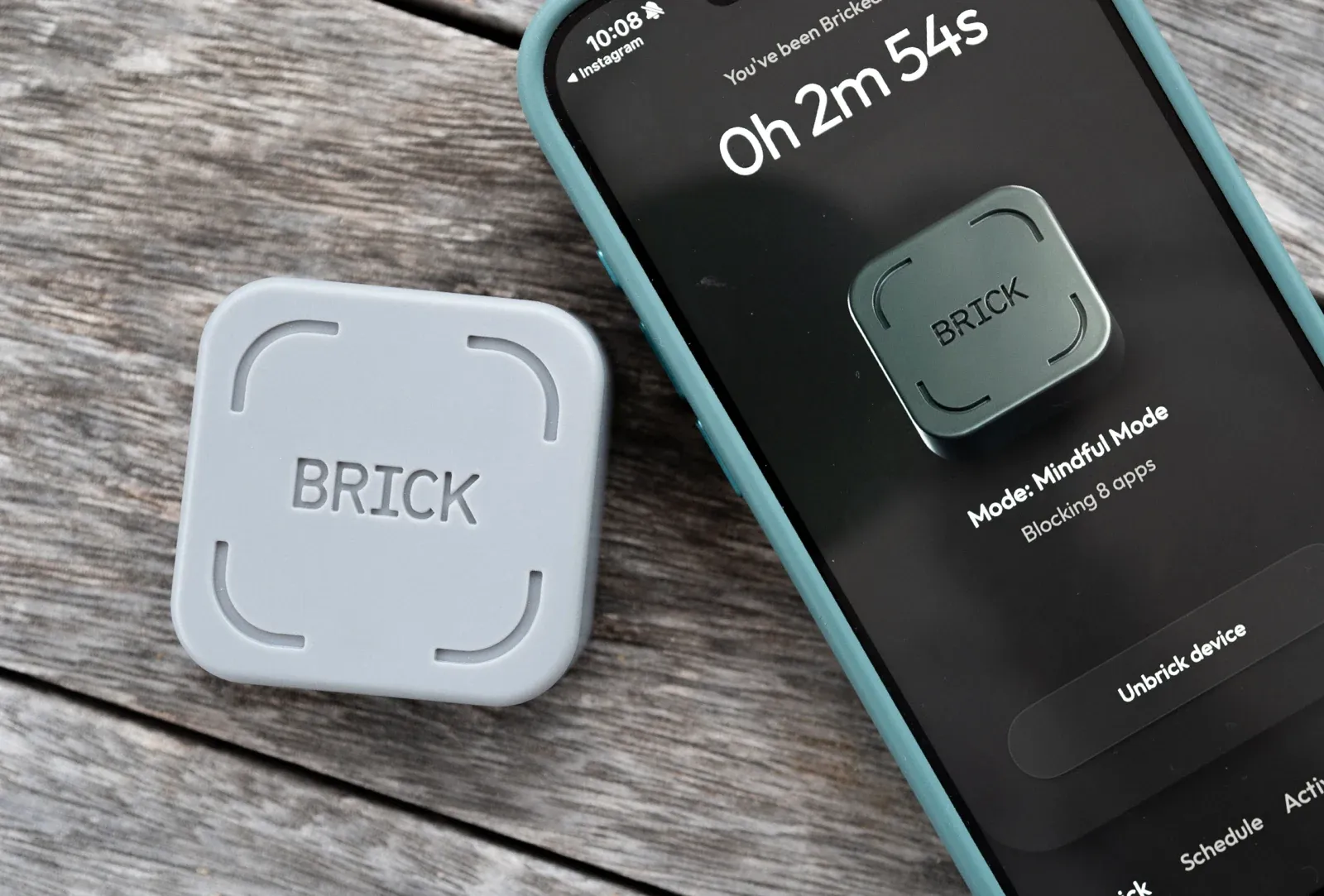
Most digital wellness tools still live inside the same device they’re trying to tame, and in my experience, that’s usually why they fall apart.
- A screen-time alert pops up, you tap to dismiss it.
- A focus app blocks Instagram, you simply override it.
- A bedtime reminder appears, you ignore it and keep scrolling anyway.
The problem is not that our phones lack settings. It’s that those settings rarely create enough resistance in the moment that matters.
That’s where Brick feels different.
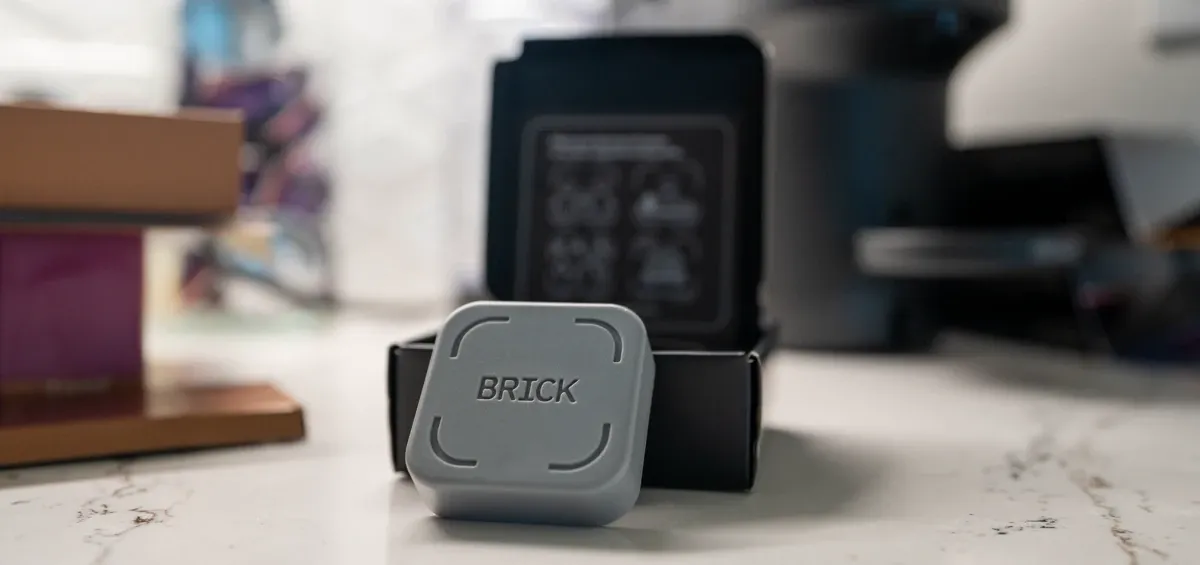
Brick is a small NFC-enabled square that pairs with the free Brick app and blocks selected apps, websites, and notifications until you physically tap your phone against it again.
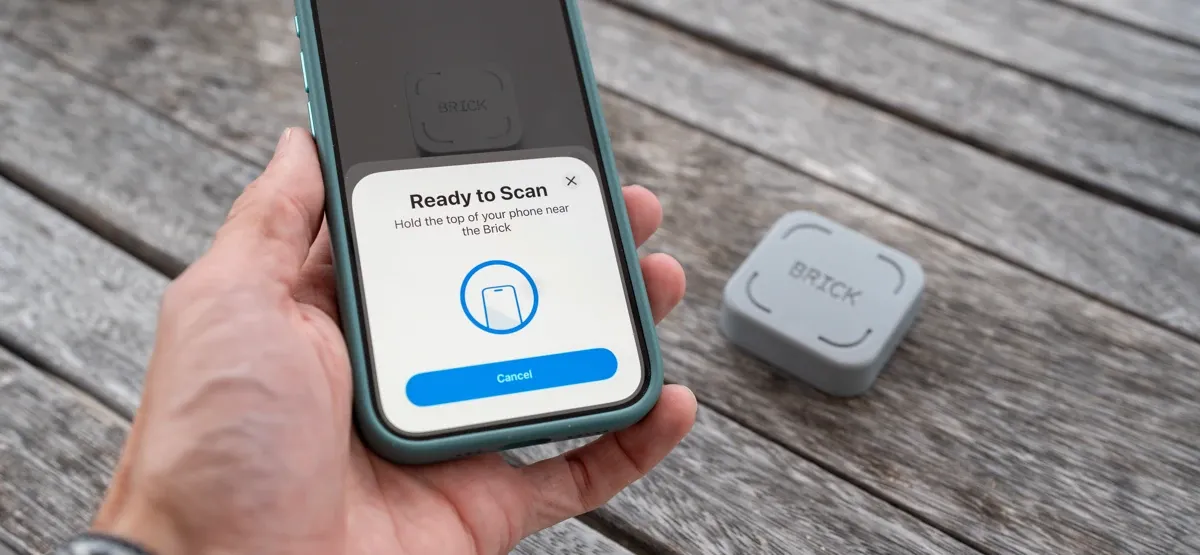
That one design choice changes the whole experience. Instead of relying on digital self-control inside a system built to weaken it, Brick adds something most screen-time tools never do: real-world physical friction.
And that’s what makes it unique right now; it's not trying to turn your smartphone into a dumbphone, or shame you into better habits. It’s trying to turn a distracted phone back into a useful tool.
For a lot of people, that distinction will matter more than any usage stat ever could.
If you purchase through links in this article, we may earn a small affiliate commission. For exclusive content, our newsletter, and more perks, become a member, it's free! -The Trail & Kale team ✌🏼
Key specifications
- Price: $59 (shop at Amazon)
- Compatibility: iPhone with iOS 16.2 or later, Android 12.0 or later
- App cost: Free companion app, no subscription
- Modes: Up to 10 custom modes
- Blocking options: Block specific apps, websites, and notifications, or whitelist only essentials
- Emergency access: 5 emergency unbricks per Brick
- Device sharing: One Brick can work with multiple phones, and one phone can pair with multiple Bricks - makes it ideal for a family.
- Design: Passive NFC device, no battery, no charging, magnetic back with anti-slip silicone
Performance review
It succeeds by making distraction slightly inconvenient
The reason Brick works is also the reason it might sound a little ridiculous at first.
It is, essentially, a small square that forces you to get up and make a deliberate choice before unlocking the distractions you tried to shut out.
On paper, that doesn’t sound especially advanced but in practice, it gets at something surprisingly important.
Most compulsive phone use is not intentional. You do not sit down and decide, with full awareness, that now is the perfect time to burn 18 minutes drifting through Instagram Reels.
It's sad but we reach for our phones automatically, checking one thing, then the phone does what it has been designed to do for years, which is keep you there.
Brick interrupts that loop.
If your phone is bricked and Instagram, Facebook, TikTok, X, YouTube, or Safari are off-limits, you cannot just tap your way around the moment. You have to physically go to the Brick and tap your phone against it.
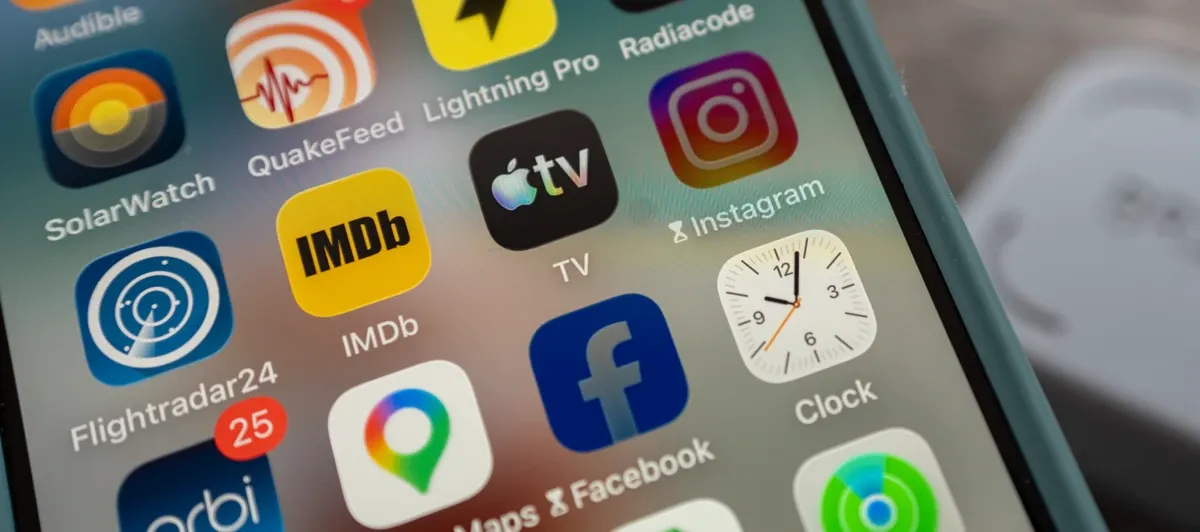
It inserts a pause between urge and action, and that pause is often long enough for the urge to lose its grip or at least put sense into you that there is more to life than doom scrolling.
That is why Brick feels more effective than software-only alternatives. Not because it is more aggressive, but because it is more tangible.

The best part is not less screen time, it’s cleaner attention
A lot of products in this category sell the dream of lower screen-time numbers. Brick can absolutely help there, but I don’t think the screen-time drop is the most compelling part of the story here.
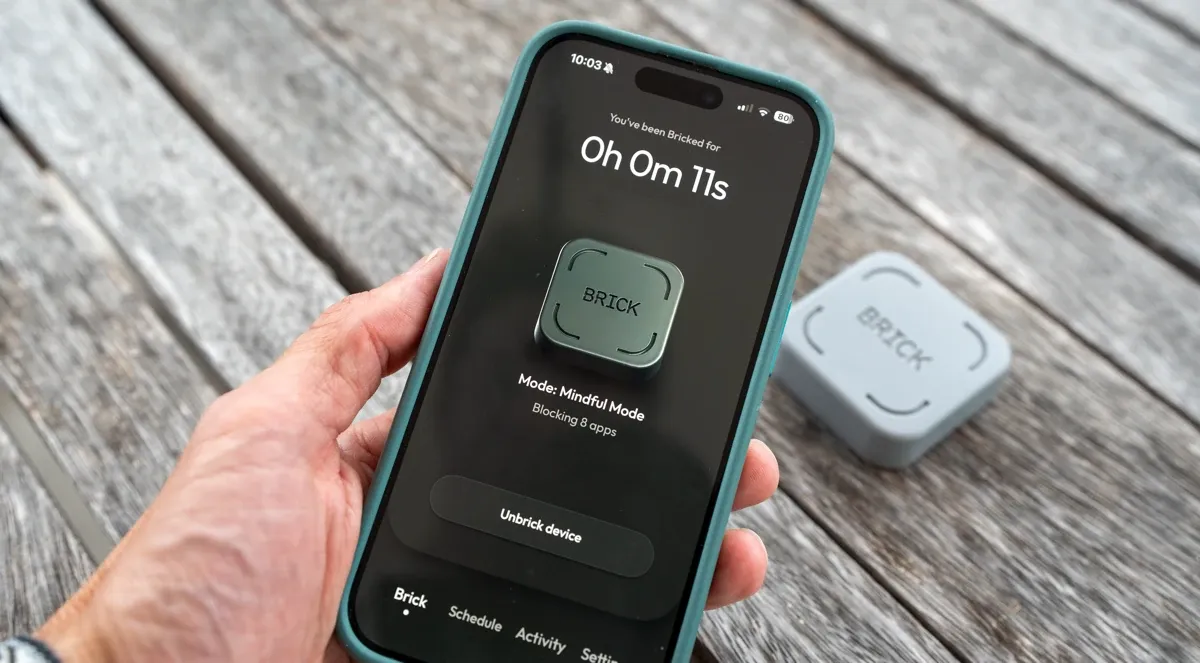
What matters more is how your phone starts to feel when the constant leakage of attention is no longer running in the background.
With Brick, the phone can still do what it actually needs to do. Calls, texts, maps, camera, and other essentials can remain accessible.
The point is not digital puritanism. The point is to stop treating every spare moment as an invitation to disappear into whatever mindless app shouts loudest.
That’s where the product becomes a tool for changing the tone of your day.
Work feels more continuous when you’re not breaking concentration every few minutes. Evenings feel less fragmented when bedtime scrolling is no longer the default, and family time feels more like family time used to (and should) feel.
Brick is helping restore context, giving your phone a proper job again.
The flexibility makes it more useful than the minimal design suggests
The hardware is deliberately simple, but the app side gives Brick enough flexibility to make it practical across very different lifestyles.
You can build multiple modes, which is a big part of why the product doesn’t feel one-note.
A work mode can block social media, news, and browsers. A sleep mode can strip the phone back to the bare essentials. A family mode can remove the usual attention traps during the hours when you want to be more present.
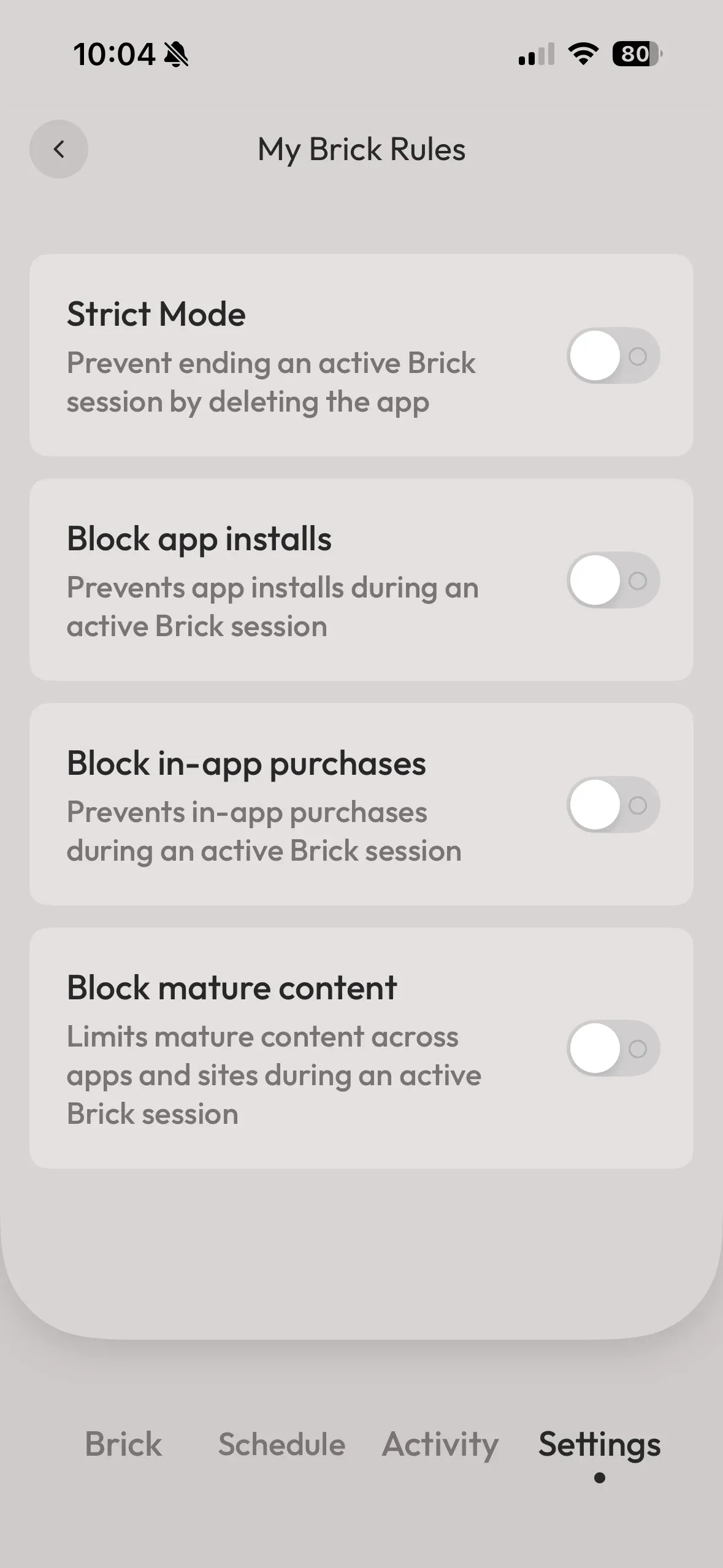
Some people will prefer to blacklist the problem apps. Others will get more value from whitelisting only the tools they truly need.
The apps that sabotage a workday are not always the same ones that wreck an evening or drag bedtime later than it should be.
Brick seems to understand that. It is strict where it needs to be, but it is not clumsy. You are not locking down your whole digital life. You are shaping it to fit the version of the day you actually want.
Placement is part of the product
One of the smartest things about Brick is that it turns environment into strategy.
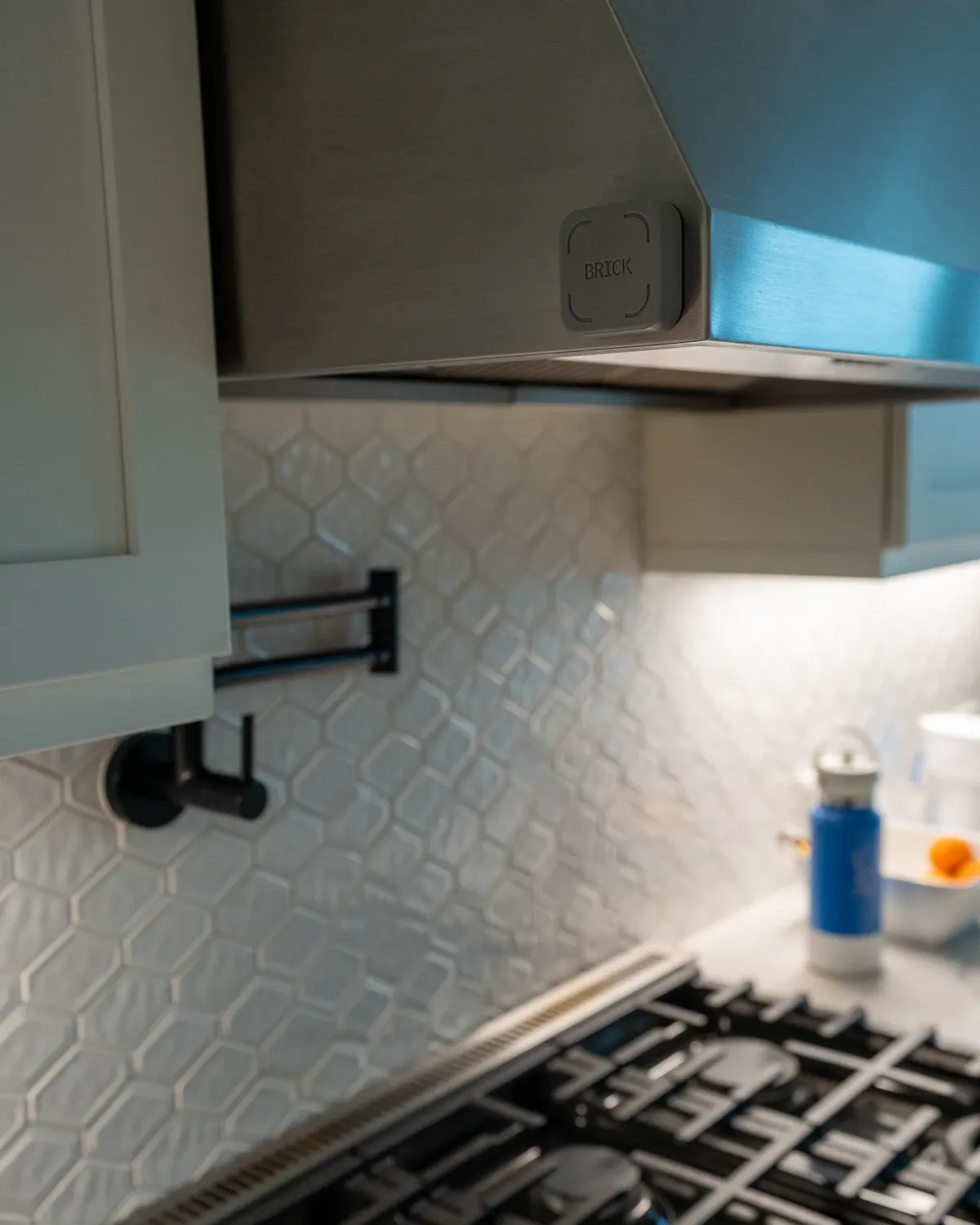
Where you put it changes everything. Leave it within arm’s reach and you reduce its power.
Put it on the fridge, upstairs, in the garage, in a work bag, or anywhere else that adds a little effort, and the friction becomes meaningful. That is what makes Brick feel different from an app. It asks you to redesign the physical flow of your day, not just toggle a setting and hope for the best.
I like that because it reflects the truth of habit change. Better habits rarely come from better intentions alone. They usually come from better systems, better cues, and better barriers between you and the behaviour you’re trying to reduce.
Brick’s success depends on that. It is not magic. It is a well-placed obstacle.
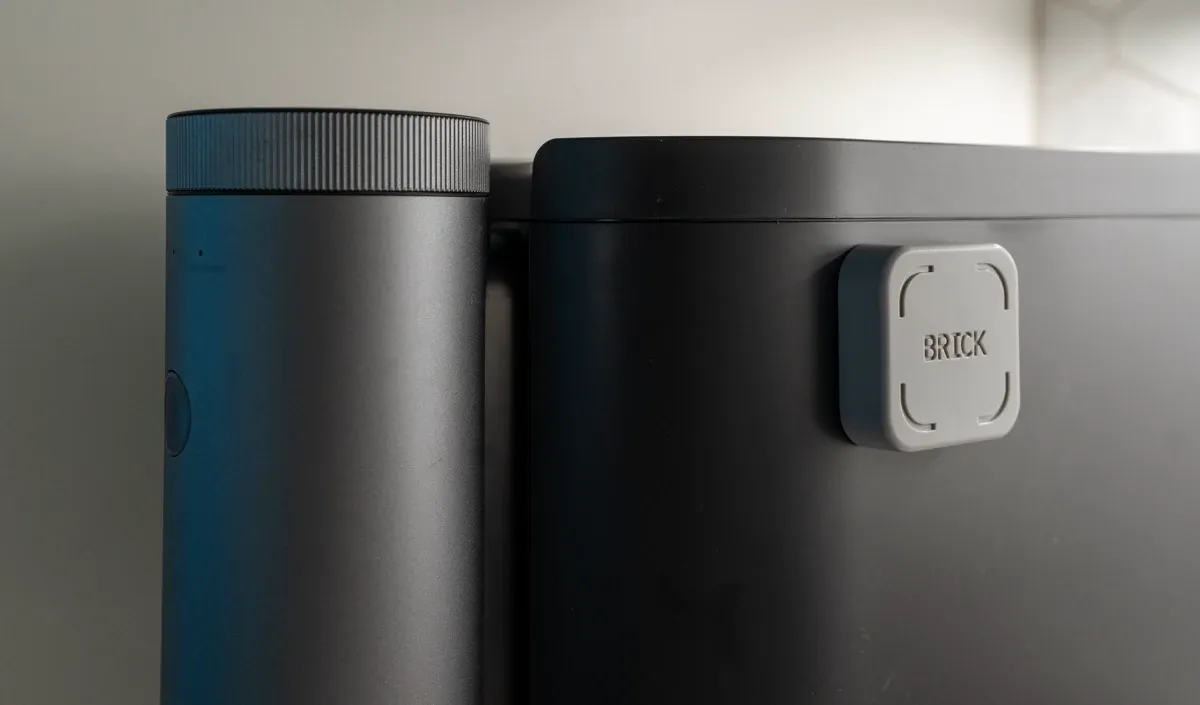
The people who seem to get the most from it are placing it strategically and using it to support a clearer life rhythm.
It is smart, but it is not foolproof
Brick deserves credit for what it does well, but it is still important to be honest about the limits.
This is not an unbreakable system. If someone really wants to get around it, they can weaken the whole setup by keeping the Brick close, leaning on emergency unbricks, or finding workarounds.
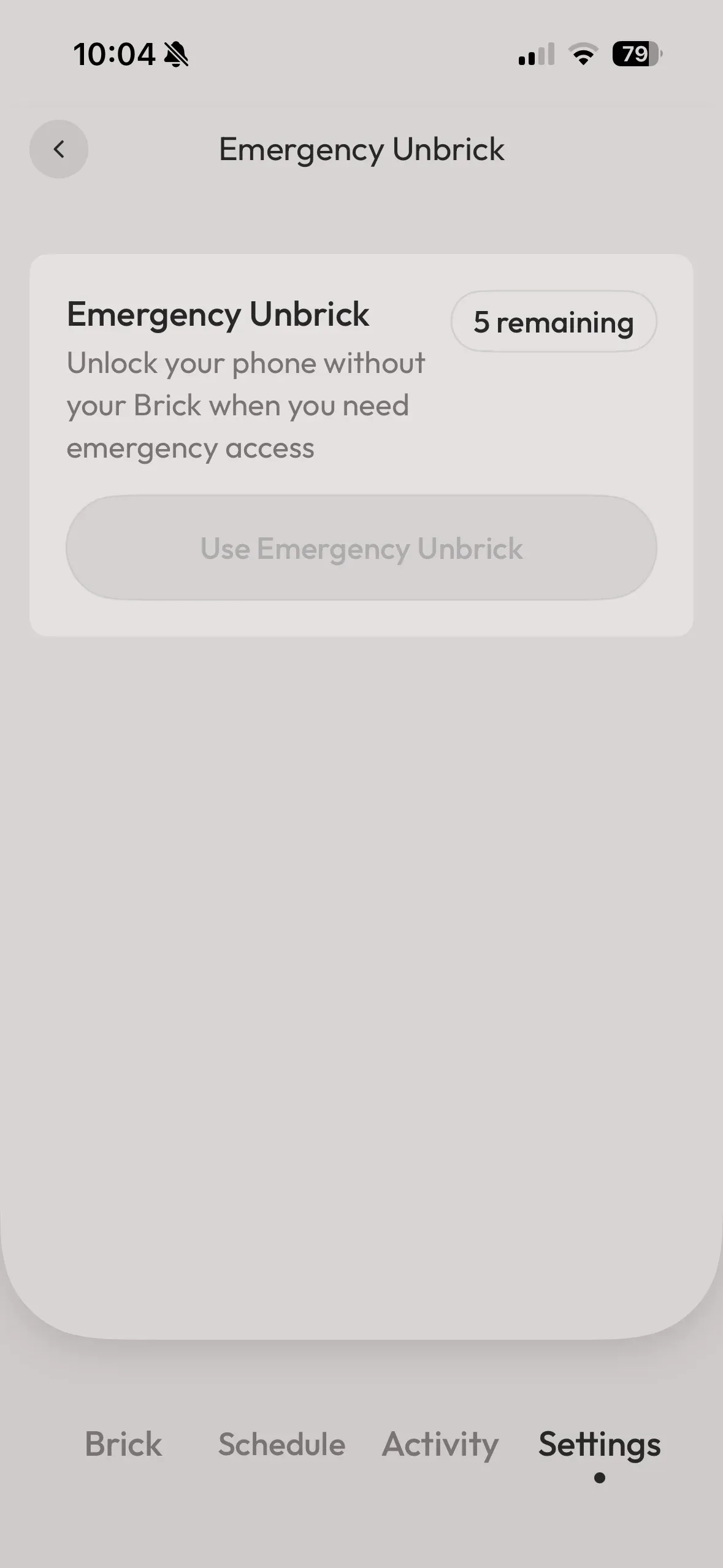
It also will not solve distraction that simply shifts to a laptop, tablet, or some other digital escape hatch. And while the app is generally well regarded, there have been occasional mentions of setup friction or minor quirks depending on platform and use case. That has not been the case for me however.
So yes, there are caveats. Brick still depends on you wanting change badly enough to use it properly (that's the same with most things in life). It can support better habits, but it cannot create a meaningful life around the time it frees up. You still need to decide what gets to replace the scroll.
My verdict
Brick feels like a smart answer to a very modern problem because it accepts something most digital wellness tools still dance around: convenience is often the problem.
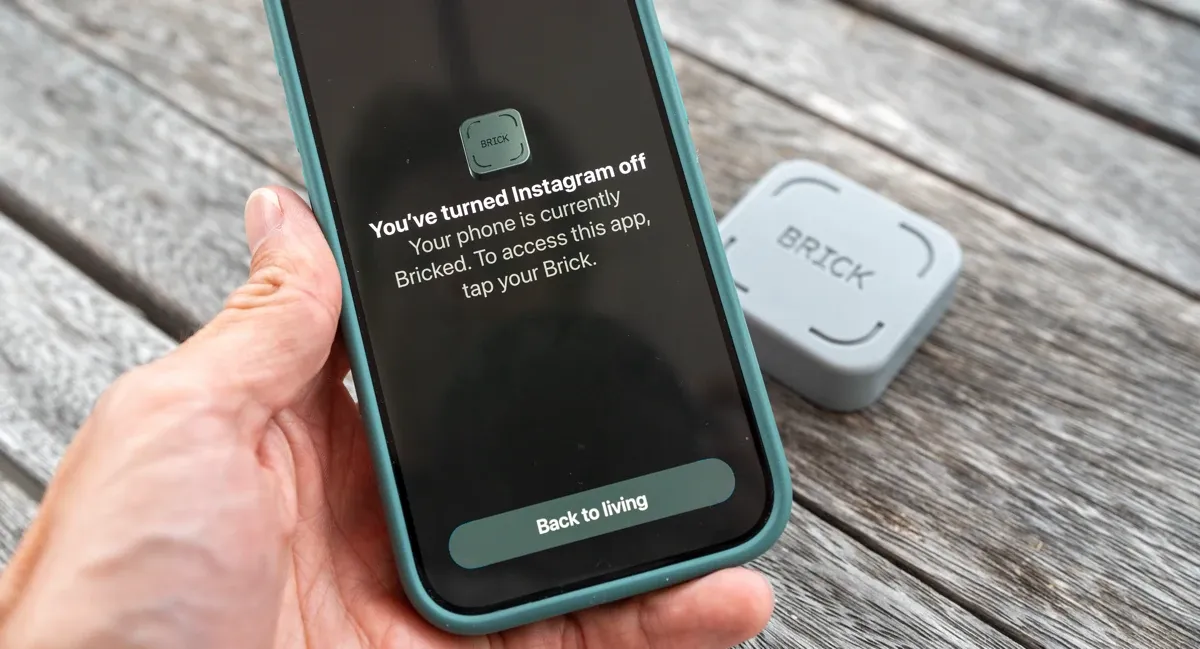
Our phones have become too frictionless in all the wrong ways. They make distraction effortless, checking compulsive, and boredom almost impossible to sit with for more than a few seconds.
Brick pushes back on that by making one part of the experience deliberately less convenient, and in doing so, it makes the rest of life feel a little more available again.
That is why I think the product lands so well.
It is simple, physical, fairly affordable ($59), and strict enough to change behaviour without becoming all-or-nothing.
It keeps the useful parts of smartphone life intact while putting more distance between you and the apps that tend to hijack your attention. That makes it especially compelling for people who have already tried digital limits and found them too easy to ignore.
Short of using Brick, you could always delete time wasting apps; I heard you gasp in shock horror just then!
Brick will not be necessary for everyone. If you already have excellent boundaries with your phone, you may not need it. If you want something completely foolproof, this is not that either.
But for people who are tired of doom-scrolling, tired of automatic checking, and tired of feeling like their phone is always a little too present, Brick makes a convincing case for itself.
More importantly, it frames the problem in the right way. This is not really about blocking apps. It is about making your phone useful again, and bringing you back to a more wholesome life.
If you haven't already, signup for our free newsletter, and subscribe to our YouTube Channel for more quality content like this. -Alastair
Written by

Subscribe to new posts
and discover the best gear, healthy foods, and life outdoors.












Member discussion